33
7 Programming
If a program is not saved ("Save:NO"), it remains in the processing level and can be supplemented or modified
by calling up "Edit". Safety checks in other sub-items prevent a program which has not been saved from being
accidentally overwritten.
The internal memory can accommodate a maximum of 99 programs. The number possible depends on the
length of the programs.
The program in the processing level can be started by pressing the key.
Note:
The procedure for saving programs on a personal card is described in Sec. 9.3.
7.3 Modifying a program
A program which is already in the internal memory or on a personal card can be modified by being loaded into
the processing level. The program resident in the "Edit" processing level is thus deleted. If a program which
has not yet been saved is in the processing level, it can be saved following a safety check prior to deletion.
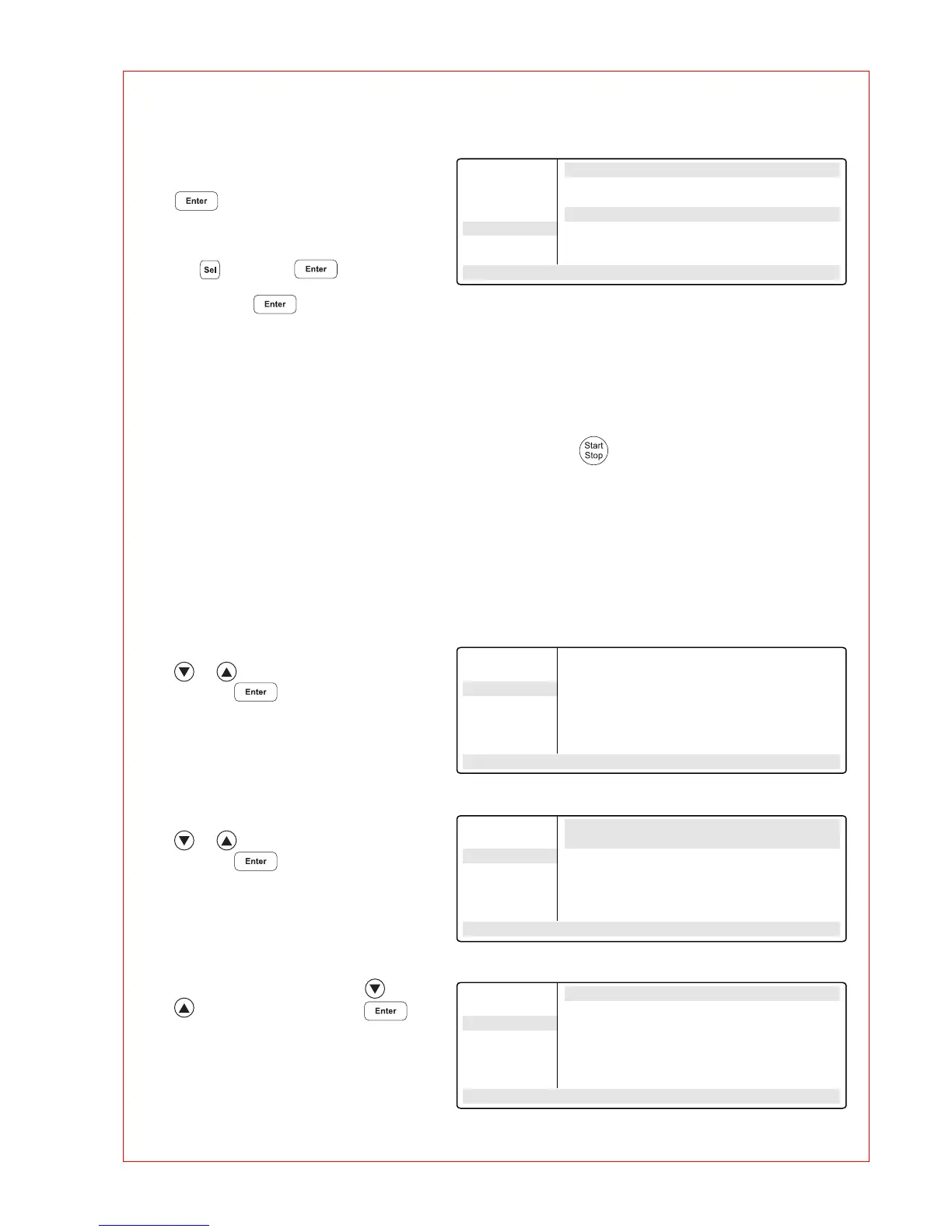
– "Overwrite:YES"
Confirm overwriting by pressing
.
If you do not want to overwrite the
existing program, select "NO" using
the key, press and enter
a new name. Confirm the new name
by pressing .
– Select the "FILES" menu using the
or key and confirm by
pressing .
– Select the "Load" menu using the
or key and call up by
pressing .
A list of existing programs appears in
the display.
– Select the program using the or
key and load by pressing .
FILES . . Edit UNNAMED
Edit Testing...
Load Gradient exists
Standard Overwrite: YES
New
Delete
UNNAMED
– –/22.0° 10:22:06
Main-Menu
Start
FILES . .
OPTIONS...
Lid
Incubate
STANDARD
– –/22.0° 10:22:06
FILES . . Load to Editor
Edit STANDARD
Load TEST1
Standard TEST2
New
Delete
STANDARD
– –/22.0° 10:22:06
FILES... Edit STANDARD
Edit 1 T= 94.0° 0:02:00
Load 2 T= 94.0° 0:00:15
Standard 3 T= 44.0° 0:00:15
New 4 T= 72.0° 0:00:30
Delete + 0.0° +0:01
STANDARD R= 3.0°/s +0:0°/s
– –/22.0° 10:22:06



 To Next Page