Operation
Mastercycler
®
nexus
English (EN)
40
5.4.2 Navigating in the navigation tree
5.4.2.1 Opening the node
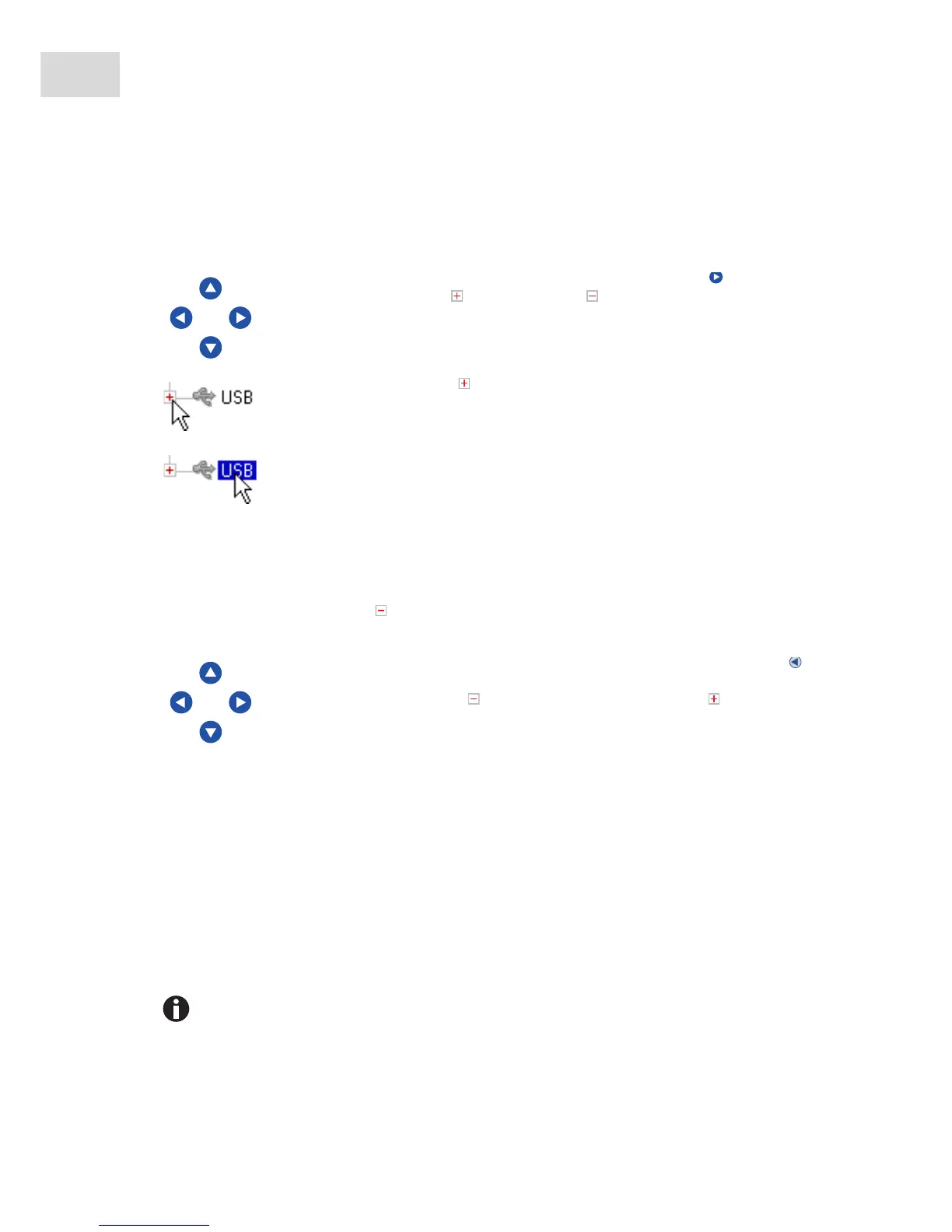
You have three options:
5.4.2.2 Closing the node
Carry out the above-mentioned steps in the reverse order:
5.4.3 Using external storage media
You can back up programs, log files and protocols to a storage medium and, for example, archive them on a
PC or print them. External storage media are also needed for data backups and software updates (see
p. 70).
5.4.3.1 Connecting a USB storage medium
Connect a USB storage medium to a USB port.
After a few seconds, the USB node appears in the navigation tree. The programs and user nodes saved
on the USB storage medium can be accessed via this node.
Mark the node with the arrow keys and press the enter key or the arrow key.
The node opens and the symbol changes to .
Alternatively, click on the symbol next to the node.
Alternatively, use the mouse to double-click on the desired node.
Click on the symbol next to the node.
Alternatively, double-click on the node with the mouse.
Alternatively, mark the node with the arrow keys and press the enter key or the
arrow key.
The node is closed and the symbol next to the node changes to .
The Mastercycler creates a folder called \eppendorf on the USB storage medium where all
files will be saved.



 To Next Page