Operation
Mastercycler
®
nexus
English (EN)
42
5.5.1 Creating folders and programs
5.5.1.1 Creating a folder
Proceed as follows:
1. Mark the user node.
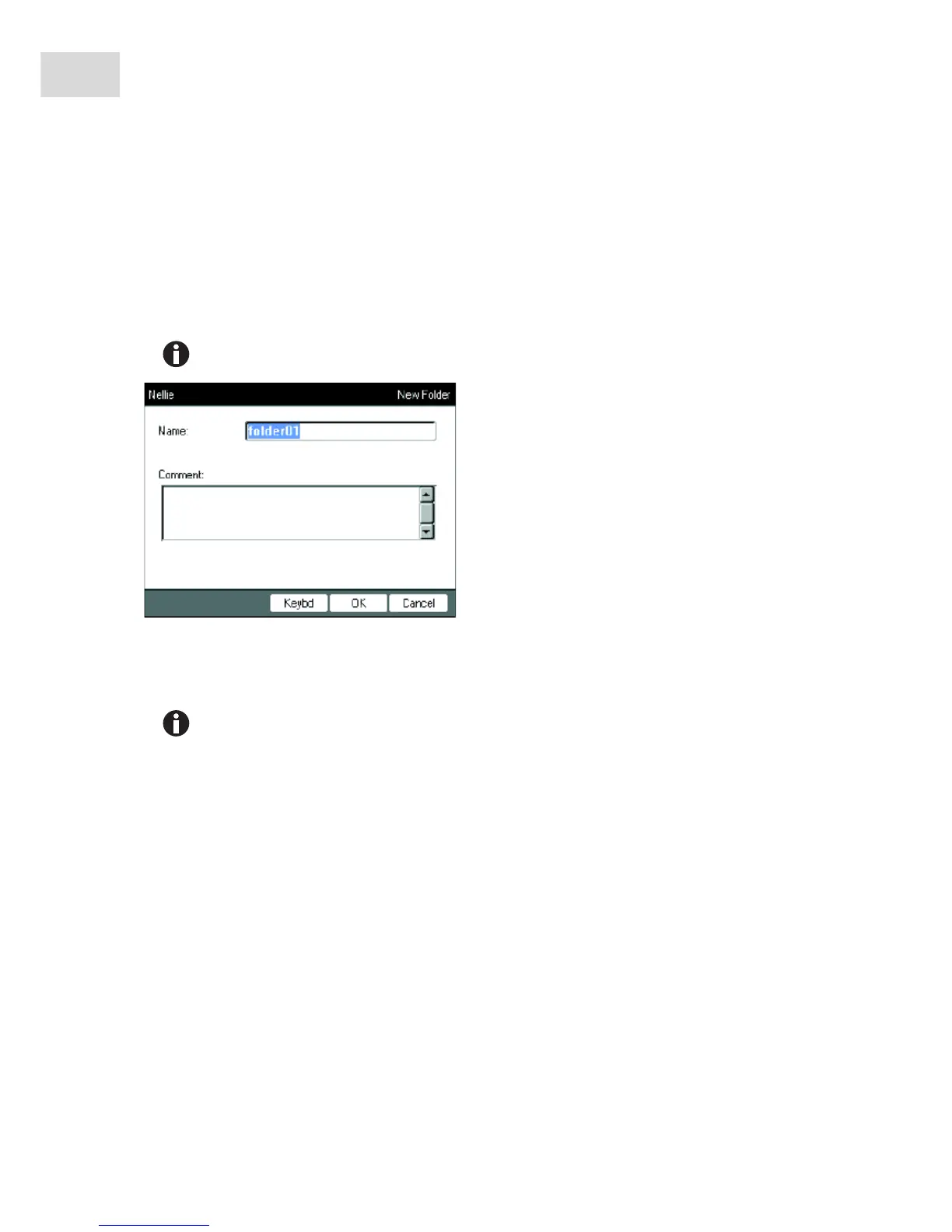
2. Press the NewFolder softkey.
3. Enter a name for the new folder using the numeric keys.
4. To enter a comment for the new folder, use the next key to go to the Comment: field.
5. Enter your comment via the numerical keys and confirm with OK.
The folder is created and appears under your user node in the navigation tree.
Instead of the numeric keys, you can also use the software keyboard to make entries in text
fields. This can be accessed via the Keybd key.
You can change the name and comment for the folder at any time using the Prop. softkey.



 To Next Page