Operation
Mastercycler
®
nexus
English (EN)
43
5.5.1.2 Creating a new program
You can create programs in the navigation tree on the user node level or on the folder level.
1. In the navigation tree, mark the user node or folder where you want to create the new program.
2. Press the New softkey.
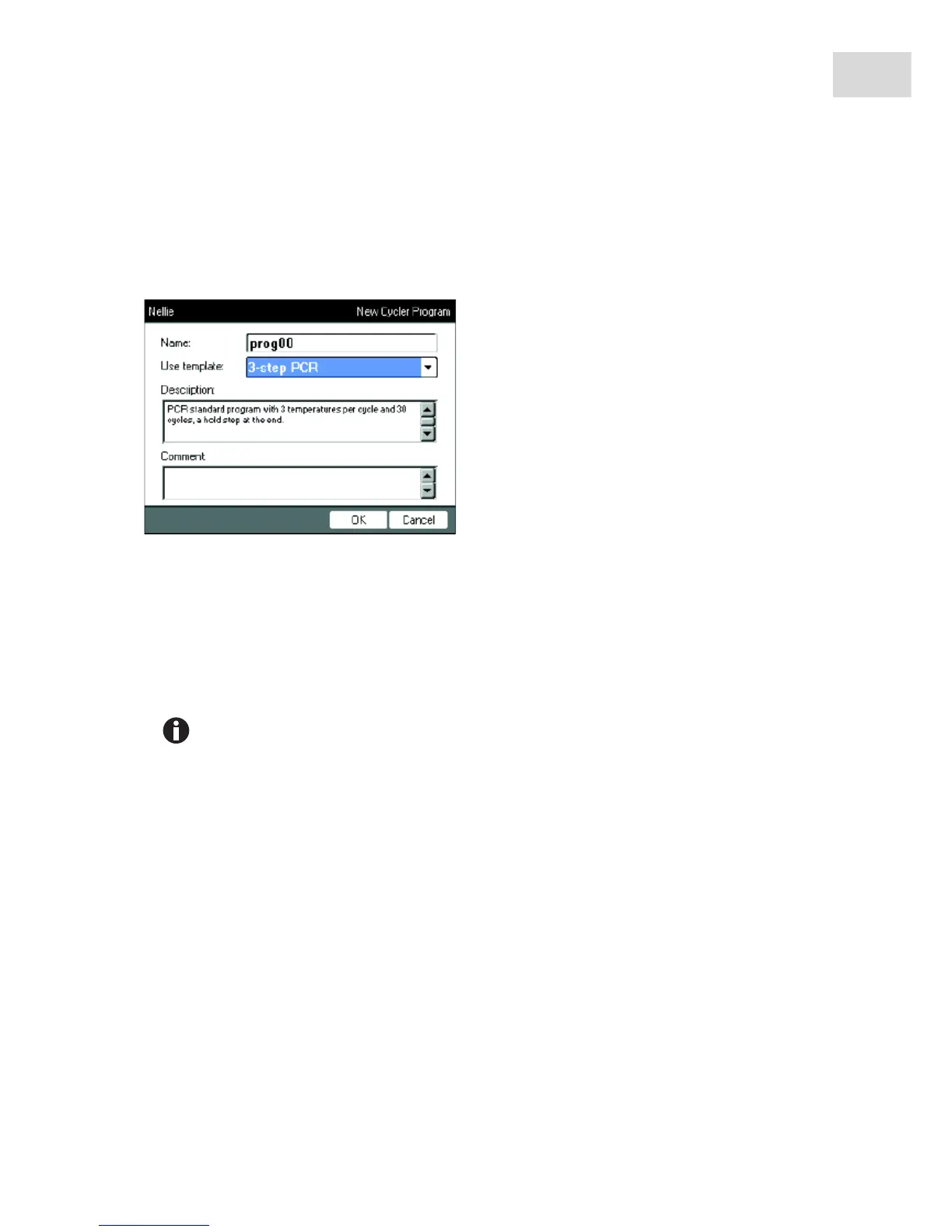
3. Enter the program name in the Name: field. The maximum number of characters is 21.
4. Select a program template in the Use template: field.
An overview of the available program templates can be found separately (see p. 58). If you do not want
to use a template, select none.
5. Optional: enter a comment for the new program in the Comment field.
6. Press the OK softkey.
The new program opens in the program editor. You can now configure and save the program (see p. 49).
You can change the program properties at a later time. To do so, mark the program in the
navigation tree and press the Prop. softkey. The following properties can be changed:
•Program name
•Comment for the program
• Read/write access rights for the program



 To Next Page