System management
Mastercycler
®
nexus
English (EN)
68
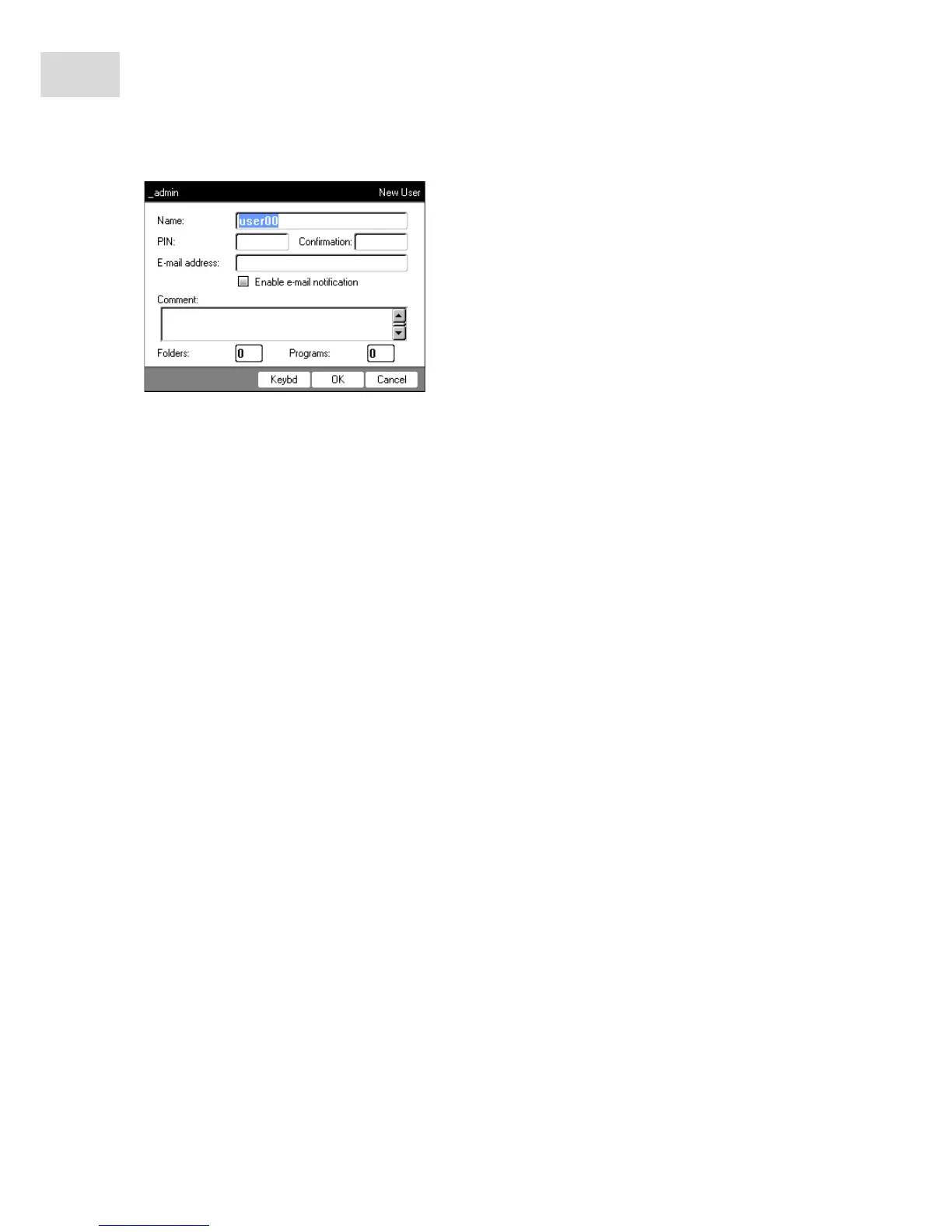
3. Enter the name and PIN of the new user. Re-enter the PIN in the Confirmation: field.
4. Optionally enter the user's e-mail address in the E-mail address: field. To activate e-mail notifications,
check the Enable e-mail notification checkbox.
5. Press the OK softkey.
The new user account is created. A new user node with this user name is created in the navigation tree.
The user can now log in with his PIN.
8.2.2 Editing a user account
If you have the appropriate user or administrator rights, you can change the following data of existing user
accounts:
•PIN
•E-mail address
•Comment
1. Mark the user node in the navigation tree. Press the Prop. softkey.
The User Properties window appears.
2. Change the settings for the user account. Press the OK softkey.



 To Next Page