Operating Kit MMS 6950W Page 4
Software Installation
To load the configuration software and to get a communication via the RS 232 interface the
computer must meet the following prerequisites:
Processor Pentium II or better, clock frequency minimum 500 MHz
Interface One RS 232 interface for connection to the module
Graphics card Standard VGA
Free space on hard disk Minimum 5 MB
RAM 32 MB
Operating system Windows NT 4.0, 2000 or XP
Drive CD-ROM
Keyboard and mouse Microsoft or compatible
2.2 Start of the CD-ROM
Close all running applications
Put the CD into the CD-ROM drive of your computer.
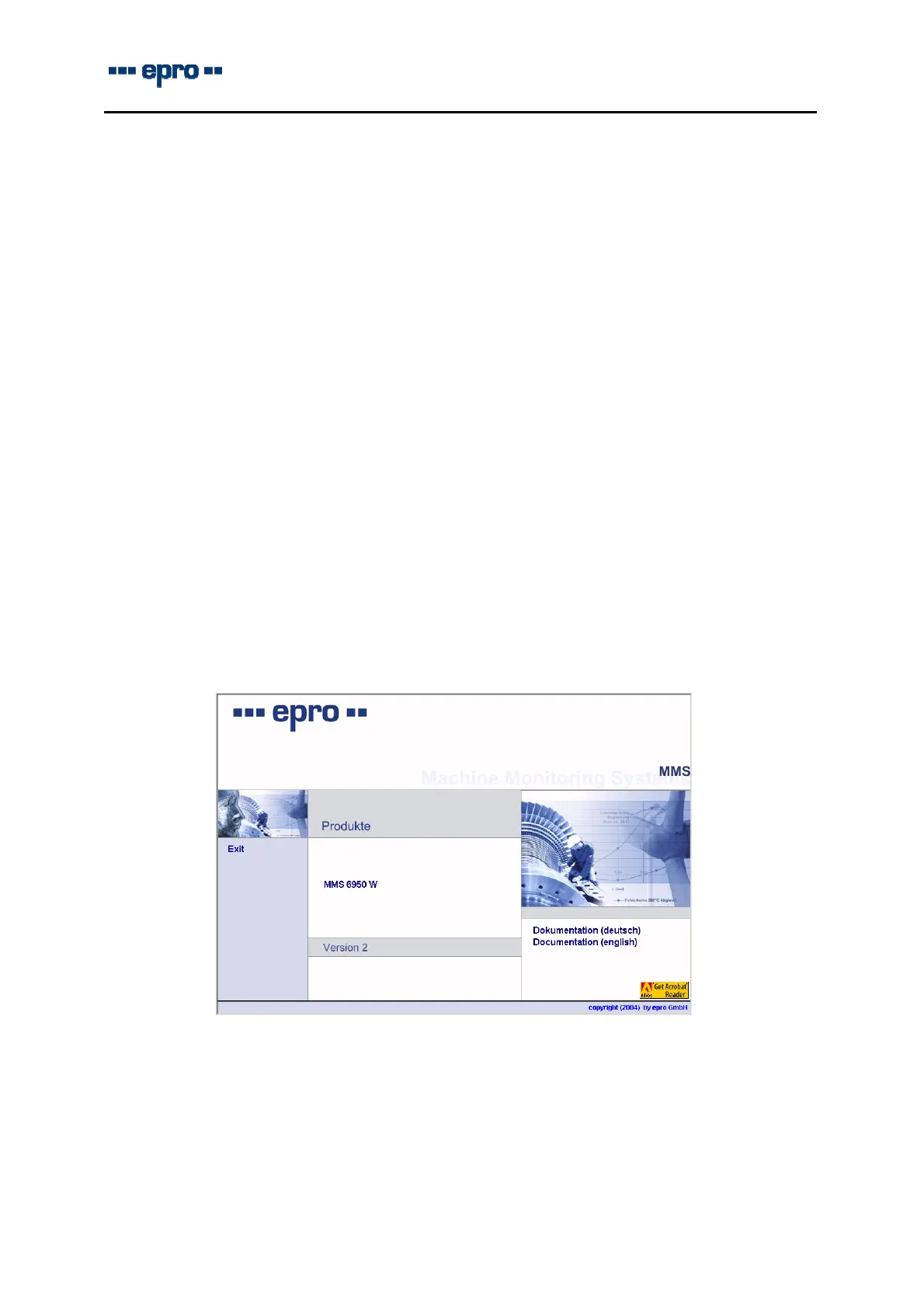
After a moment the CD-Rom will start automatically with the following screen:
Now, just click on text line “MMS 6950W” to start the installation and follow the instructions on
the screen.
If the software does not start automatically, the setup must be started manually:
Select command “Start > Run” in the task-bar
Click key “Browse”, choose the CD ROM drive and start the installation with a double-
click on icon “autorun.exe” on the CD.



 To Next Page