Operating Kit MMS 6950W Page 6
Software Installation
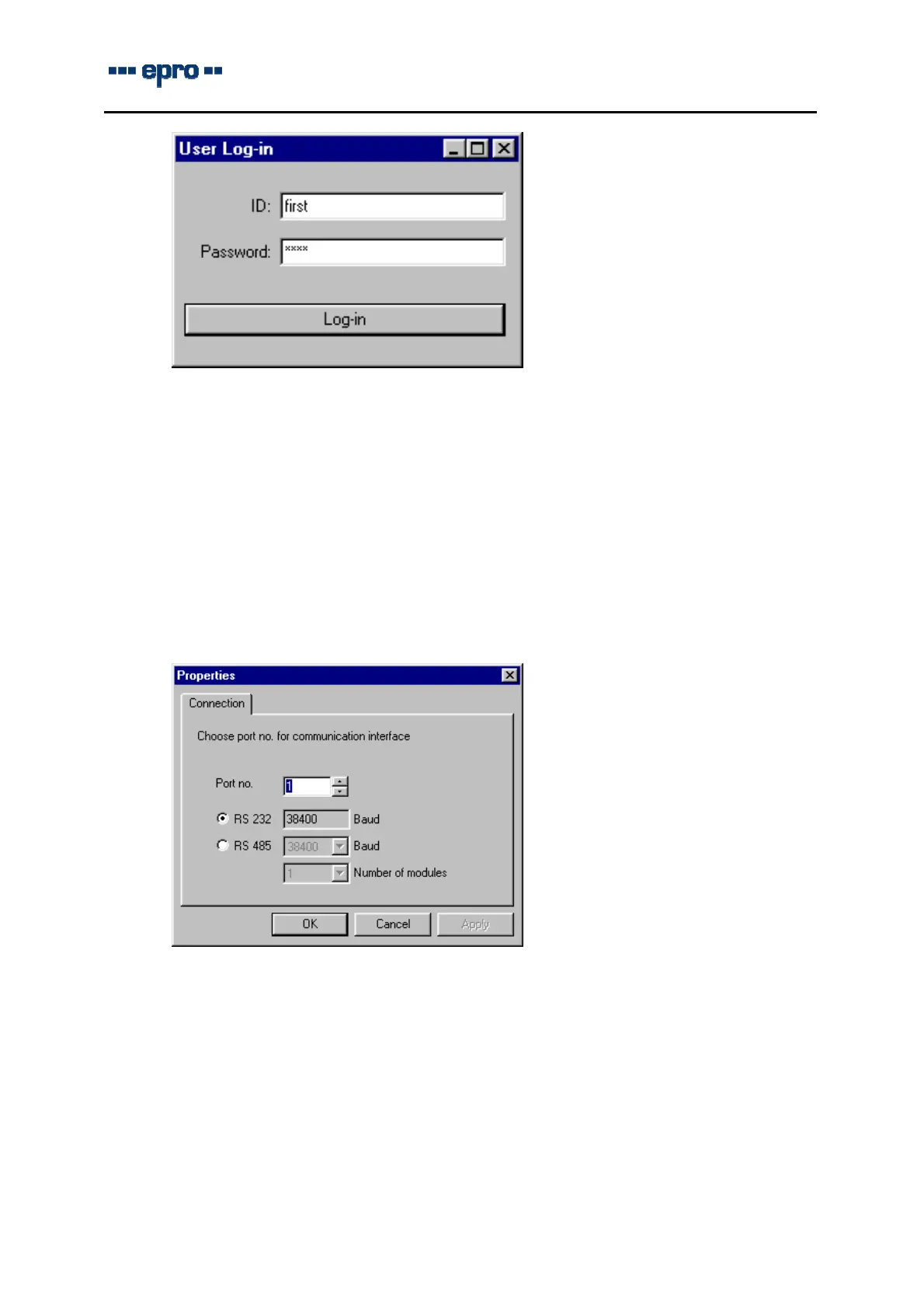
Enter “first” into field ID
and “user” into field password
and confirm these entries with a click on button “Log-in”.
The configuration program has started now and the window with the operation elements ap-
pears.
2.5 Basic settings
Before trying to establish a communication between computer and module, the interface pa-
rameters must be defined.
Choose dialog box “Properties” in menu “Extra”.
In dialogbox “Connection” the RS 232 interface COM x of the computer will be requested for
the communication with the monitors. This setting depends on the computer – at laptops it is
usually COM1.
The setting of the baud rate for the RS 485 interface should only be changed if required, de-
tailed information is given in the directions for use MMS 6350.
Further information on the configuration program, parameter setting and visualization is to be
found in the operating manuals MMS 6350 / MMS 6250 on the CD ROM.



 To Next Page