30
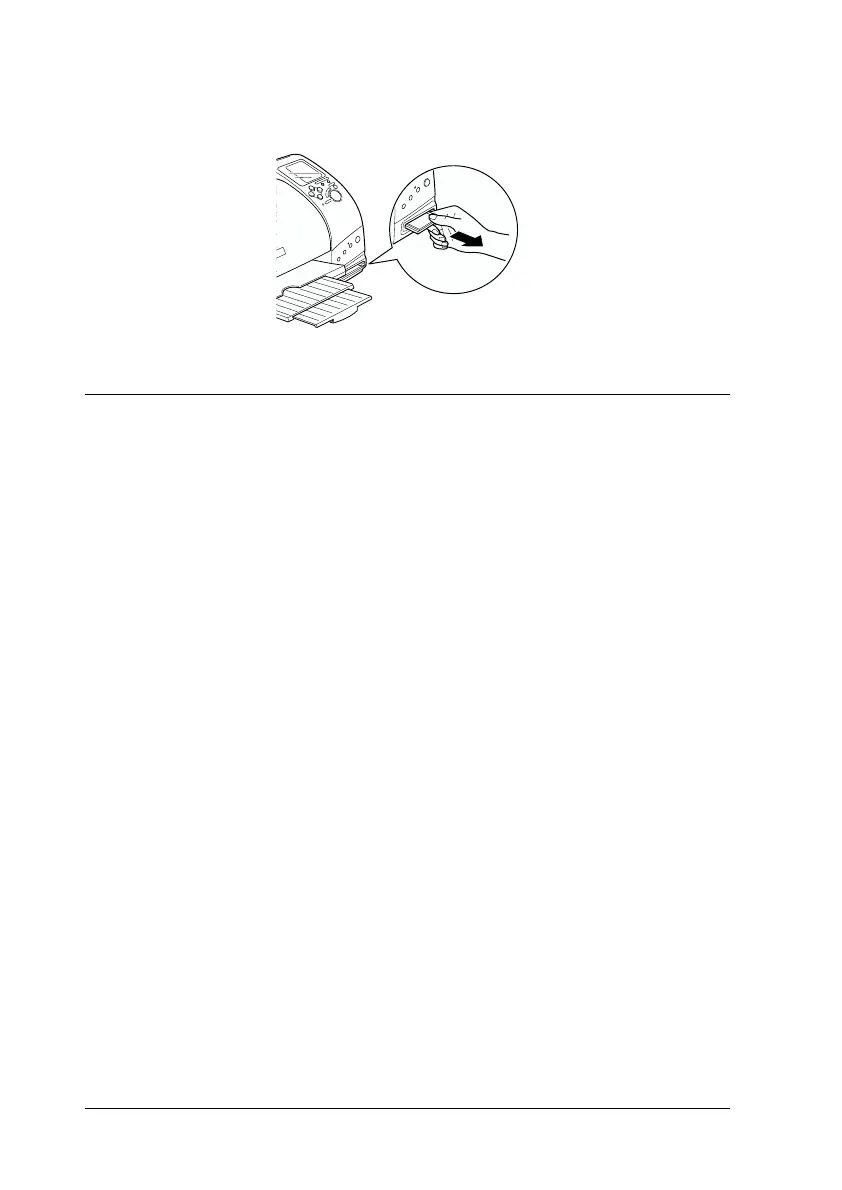
3. The PC card will pop out far enough for you to pull it out.
Printing from the Control Panel
This section briefly describes how to print from a PC card using
the printer’s control panel. Be sure to read and understand the
instructions below before printing from a PC card.
Note:
❏ Always test a few sheets of paper to make sure the print results before
printing large jobs.
❏ We recommend disconnecting the USB cable when printing directly
from PC card.
Printing
1. Load paper and a PC card containing photo data in the
printer.
2. Make print settings on the control panel using the arrow
buttons.














 To Next Page