54
7. When you select All or Set for the Print Mode setting, repeat
the steps 3 to 5 to make filter settings for each photograph. To
clear the each filter setting, select 0 (No effect) for the filter
number. To clear all of filter settings, press the Cancel
button.
8. Press Start to start printing.
To turn off filter effects, press the Cancel button.
Brightness Adjustment
You can adjust brightness of your printouts. This function effects
all printed photographs. If you want to change the brightness
levels for individual photographs, use the Filter function.
Note:
This setting is not available when Index is selected for the Print Mode
setting.
1. Make the Print Mode, Paper Type, Paper Size, Page Layout
and Quality settings.
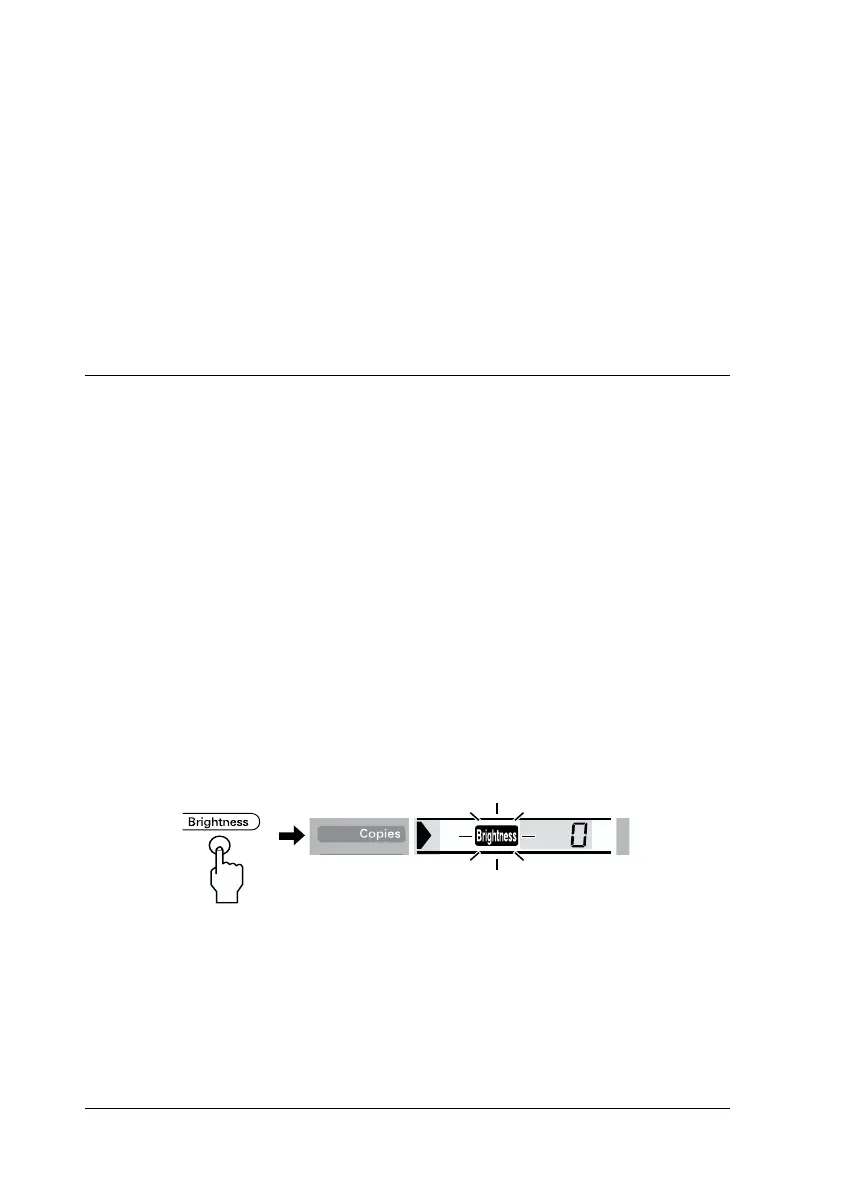
2. Press the Brightness button. Brightness icon flashes on the
Copies menu.
3. Select the brightness for the printouts.














 To Next Page