34
2. Paper Type
This selects the type of paper to print on.
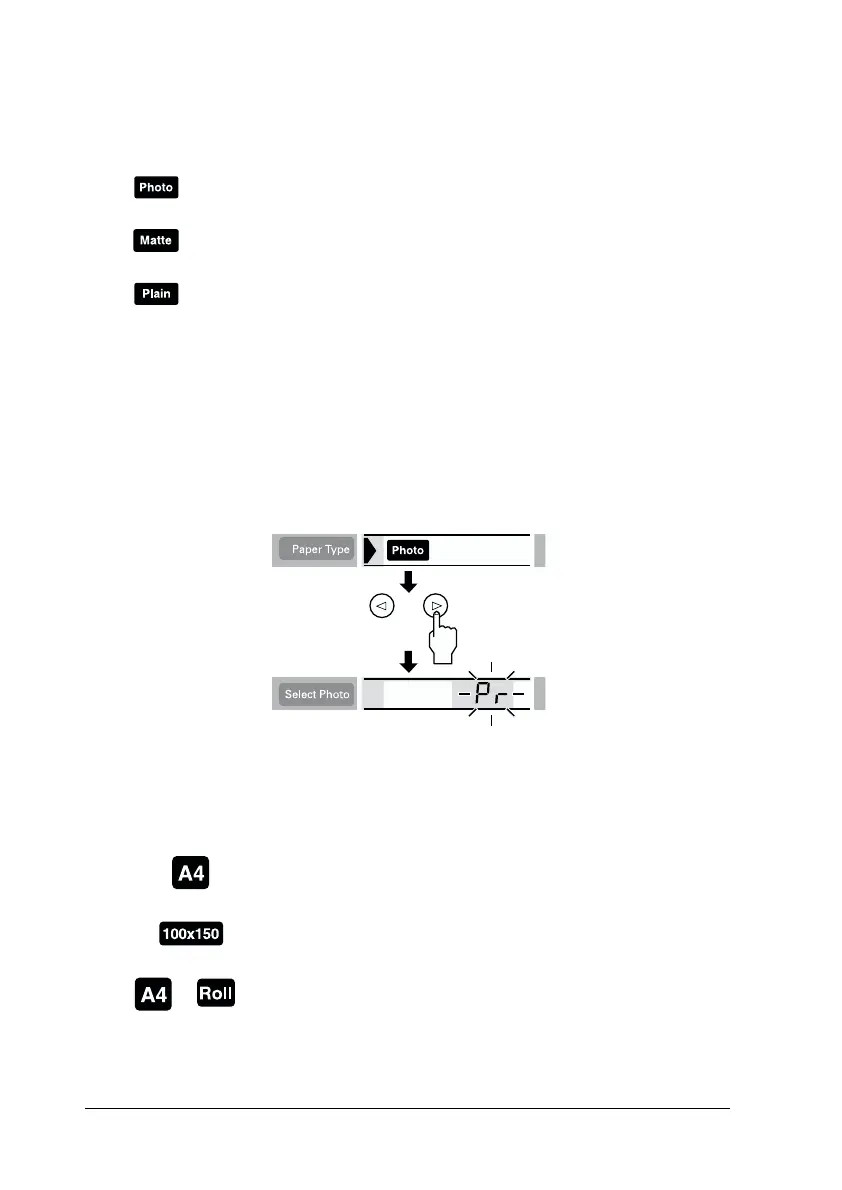
When you want to print on Premium Glossy Photo Paper, move
cursor to Paper Type, then press the right arrow button for three
seconds. “Pr” flashes on the Select Photo menu, and now you can
print on the Premium Glossy Photo Paper. Press the left or right
arrow buttons to exit.
3. Paper Size
This selects the size of paper to print on.
Print on the Photo Paper.
Print on the Matte paper-heavyweight.
Print on the plain paper, Premium Ink Jet Plain Paper or
Bright White Ink Jet Paper.
Print on A4 size (210 × 297 mm) of sheet paper
Print on 100 × 150 mm size of sheet paper
Print on 210 mm width of roll paper














 To Next Page