38
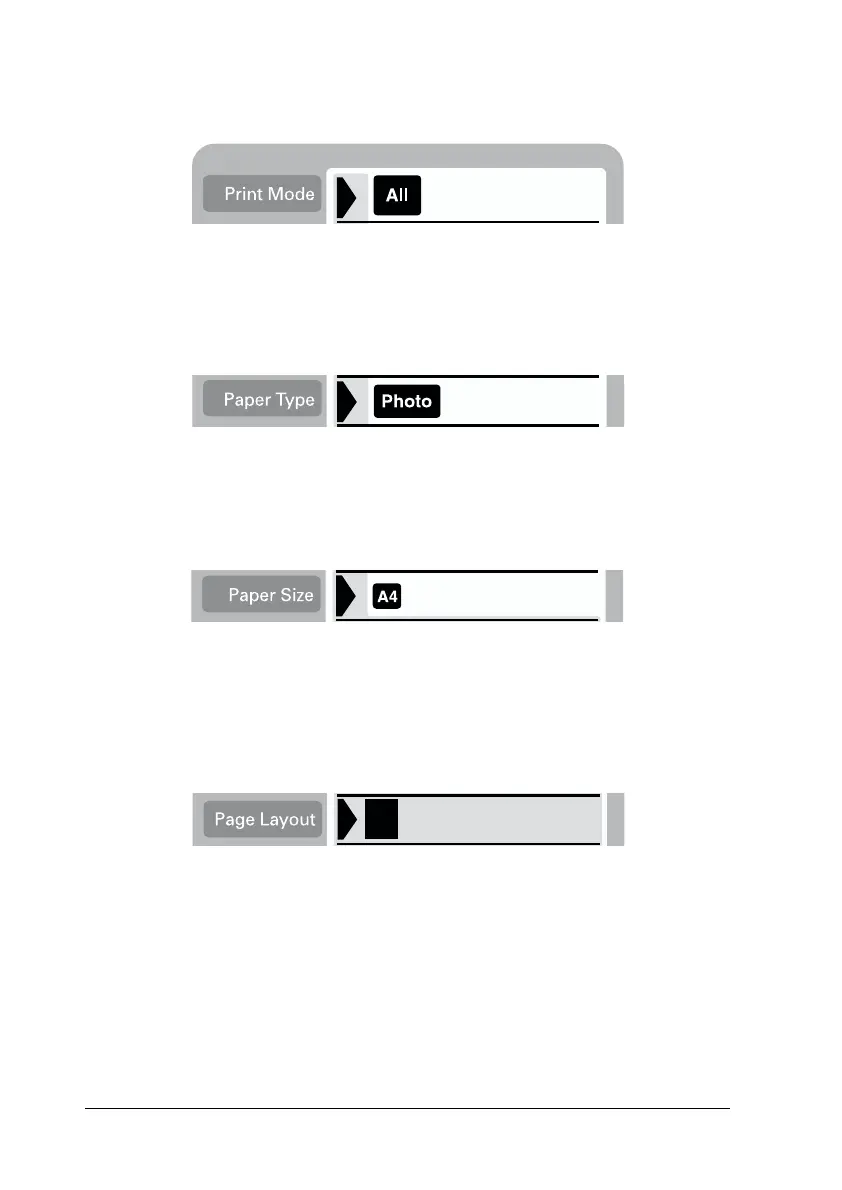
1. Select ALL as the Print Mode setting.
2. Select the Paper Type that is loaded in the sheet feeder.
The example below shows printing on EPSON photo paper.
3. Select the Paper Size that is loaded in the sheet feeder.
The example below shows printing on A4-size paper.
4. Select the Page Layout setting you want.
The example below shows printing with no margins. For
details on the settings, see “Display” on page 33.
Note:
The Photo No. setting in the Select Photo menu is not available when
ALL is selected for the Print Mode.
5. Select the number of copies to print.














 To Next Page