47
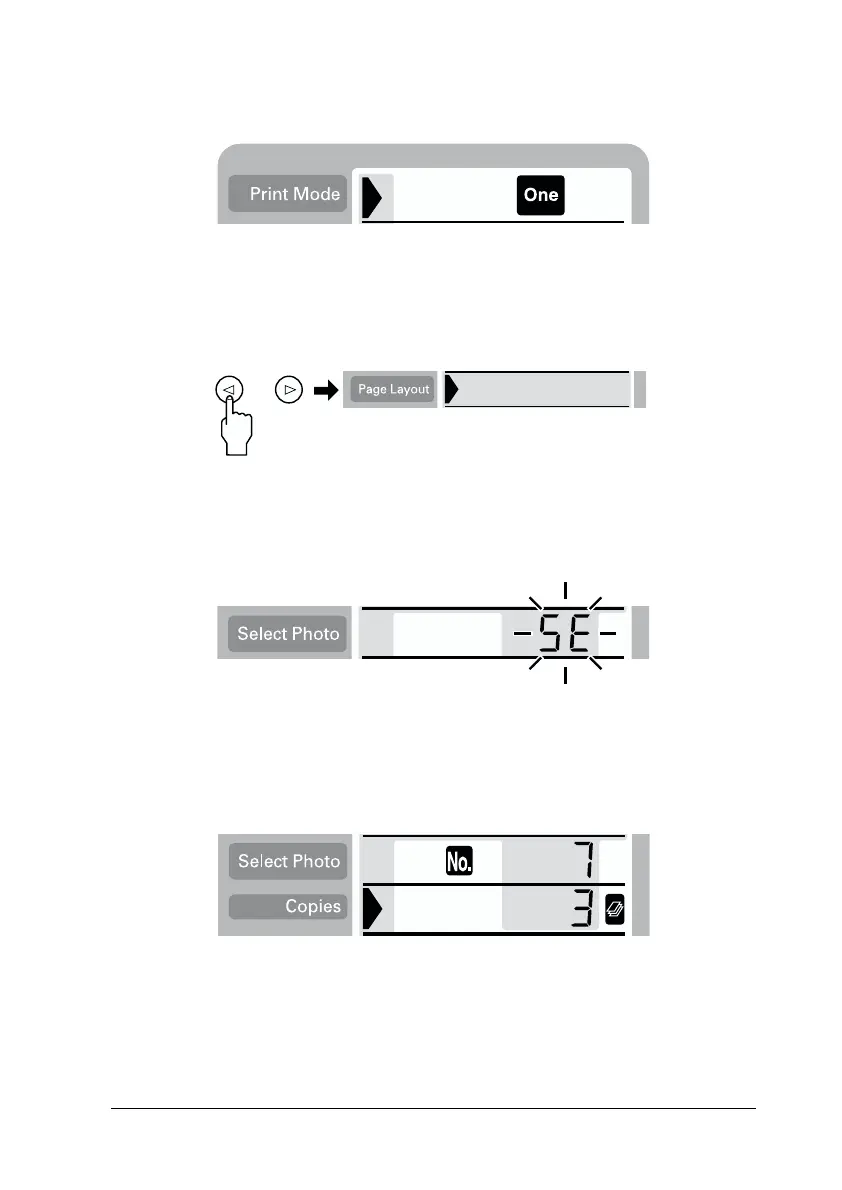
The example below shows the One mode.
4. Move the cursor to the Page Layout setting, then press the
right or left arrow button for 3 seconds. All layout icons
disappear.
5. Select SE on the Copies menu with the left or right arrow
button.
6. Specify the photo number and the number of copies that you
want to print, when One or Set is selected for the Print Mode
setting.














 To Next Page