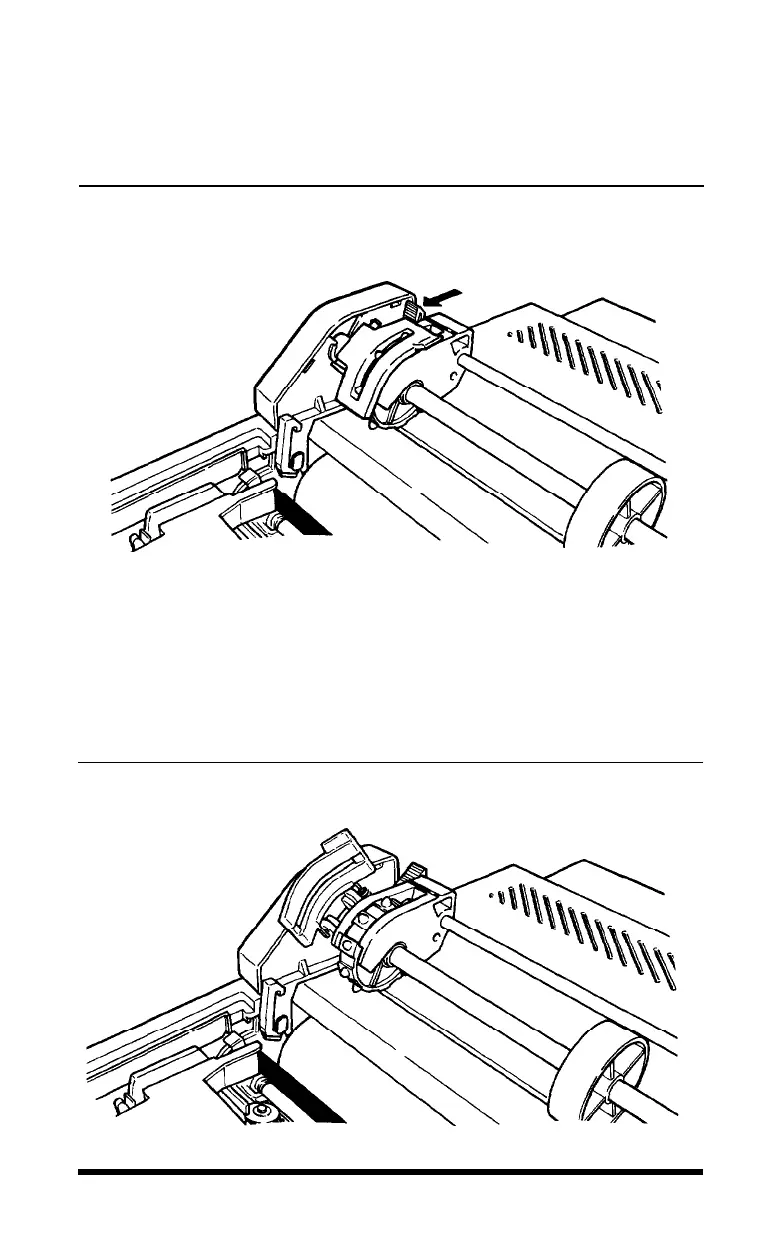
4. Using Figure 1-10 as a guide, pull the locking levers on each side of
the pin feed holders forward so you can move the pin feed holders.
Figure 1-10.
Locking lever fur pin feed holder adjustment
5. Place the left holder approximately 3/4 of an inch from the far left
position and then push the locking lever back to fasten that holder
into place. Leave the other holder unlocked.
6. Open the pin feed covers as shown in Figure 1-1.
Figure 1-11.
Opening the pin feed
covers
Setting Up
1-11












 To Next Page