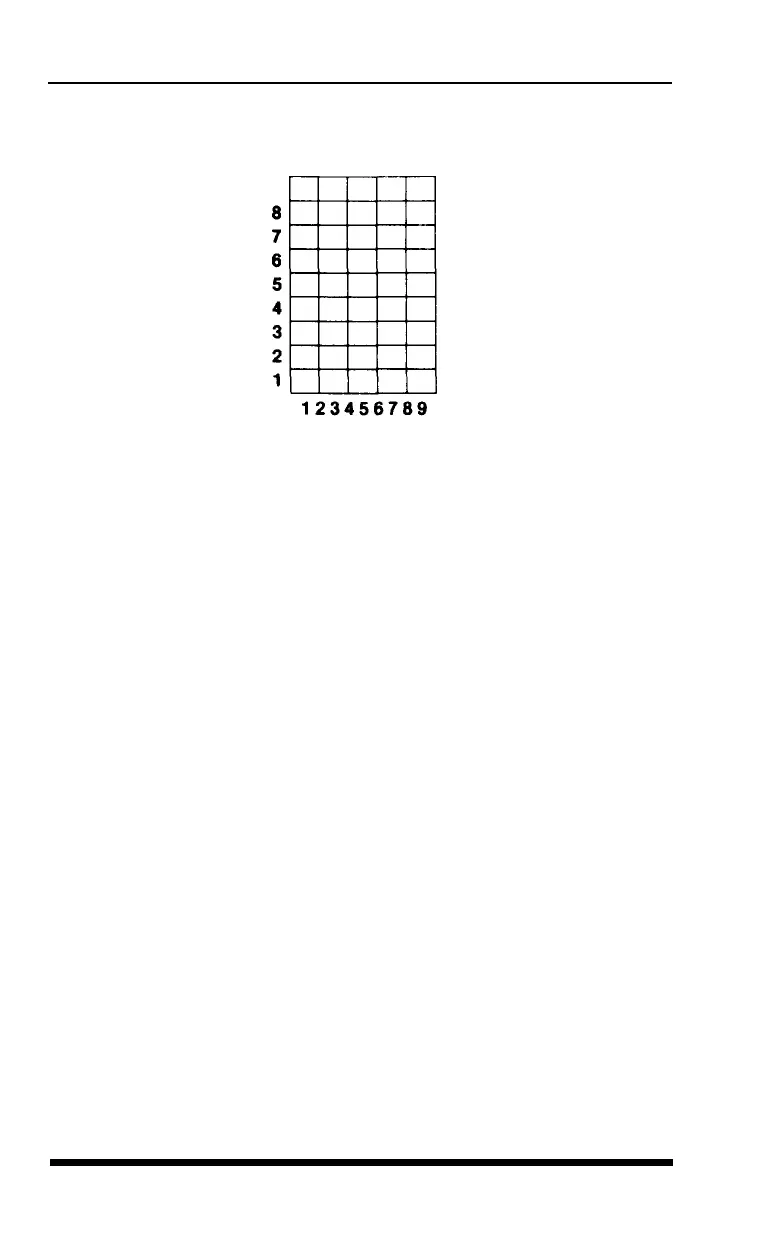
Figure 5-4.
Using the
bottom eight rows
Second definition program
Once the character looks the way you want it to, you can enter,
modify, and run the next program. The program as listed creates the
Mercury character, but you can use it for any characters you create if
you make one or two changes, as explained after the program listing.
90 FOR P=58 TO
63:
LPRINT CHR$(P);" ";: NEXT P
95
LPRINT
100 K=l: IF K>3 THEN A=58 ELSE A=60
110 LPRINT CHR$(27):
""CHR$(0)CHR$(0)CHR$(0);
120 LPRINT CHR$(27)"%"CHR$(l)CHR$(0);
130 LPRINT CHR$(27)"&"CHR$(0)CHR$(A)CHR$(A-1+K);
140
FOR Z=l TO K
150 LPRINT CHR$(128);
160 FOR X=1 TO 9
170 READ R
180 LPRINT CHR$(R);: NEXT X
190 LPRINT CHR$(0)CHR$(0);
200 NEXT Z
210 DATA 0,80,170,0,47,0,170,80,0
290 FOR P=58 TO 63: LPRINT CHR$(P);" ";: NEXT P
To use this program for your own character or characters, change the
DATA numbers in line 210 by substituting the numbers generated by
the first program when you created your own character. If you have
5-6
User-defined Characters












 To Next Page