Chapter 1
Setting Up
To set up your Apex80 printer, simply follow the steps in this chapter.
Identifying Printer Parts
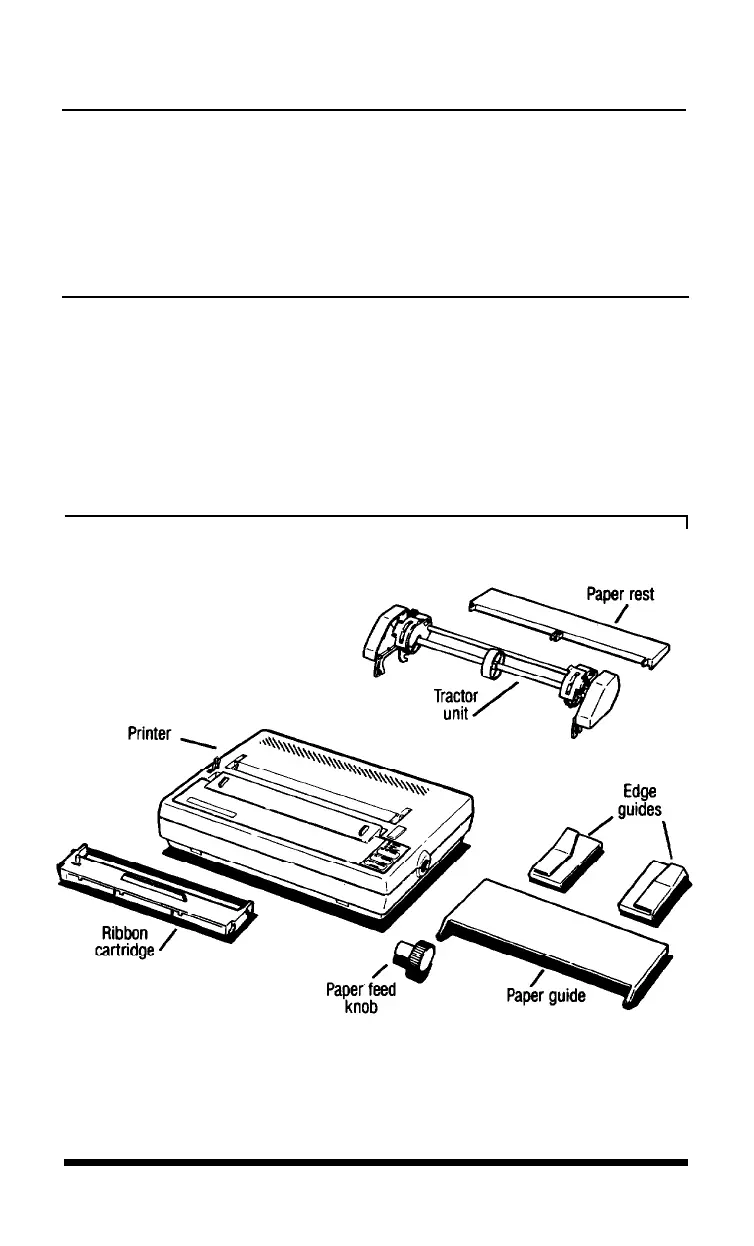
First, see that you have all the parts you need. In addition to this
manual, the printer box should contain the items shown in Figure 1-1.*
The paper feed knob is packed into an indentation in the white foam
material.
Figure 1-1.
Printer parts
*Note: The tractor unit for your printer may be preinstalled.
Setting Up
1-1












 To Next Page