Chapter 3
SelecType
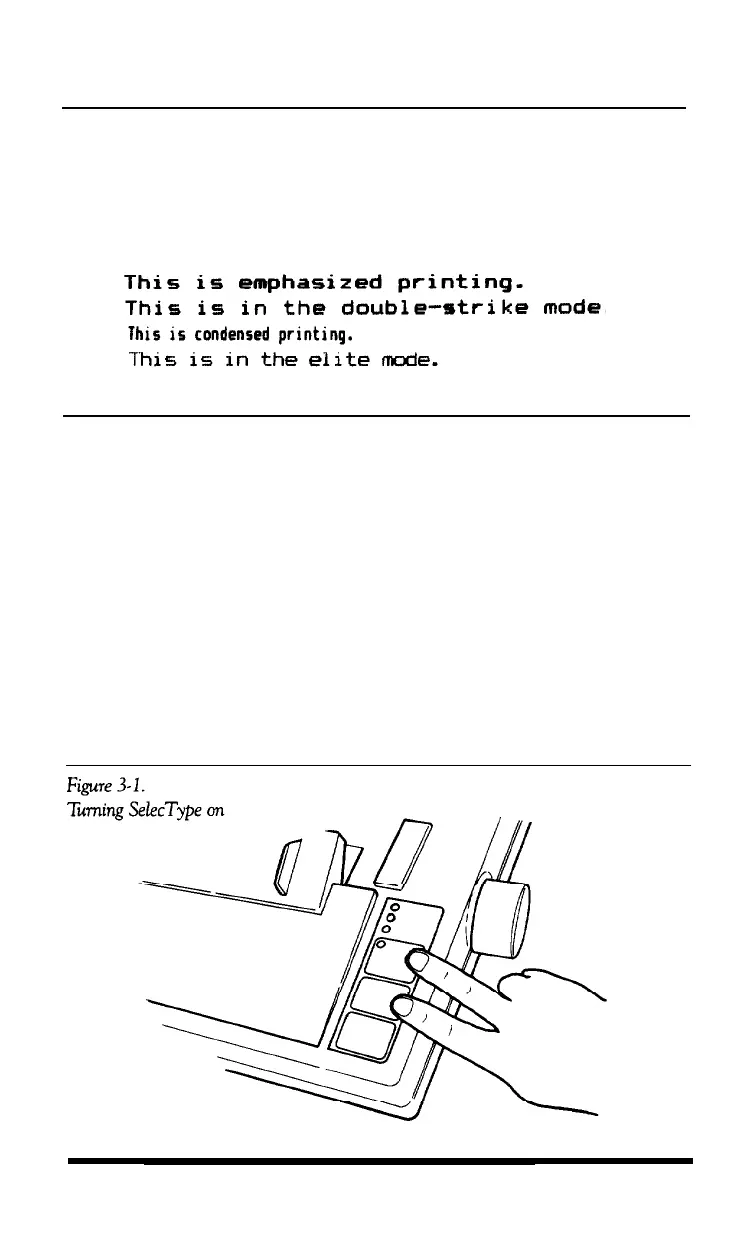
The Apex80’s SelecType feature can produce four special typestyles:
SelecType Operation
Using SelecType is easy. You turn on SelecType and select a
typestyle, then turn off SelecType and print.
Turning SelecType on
1. Make sure that the printer is on line.
2. Hold down the
ON/OFF LINE
button and press the
FORM FEED
button. (See Figure 3-1.) When you turn on SelecType, a short beep
sounds and the
ON LINE
light blinks to indicate that the printer is in
SelecType mode.
SelecType
3-1












 To Next Page