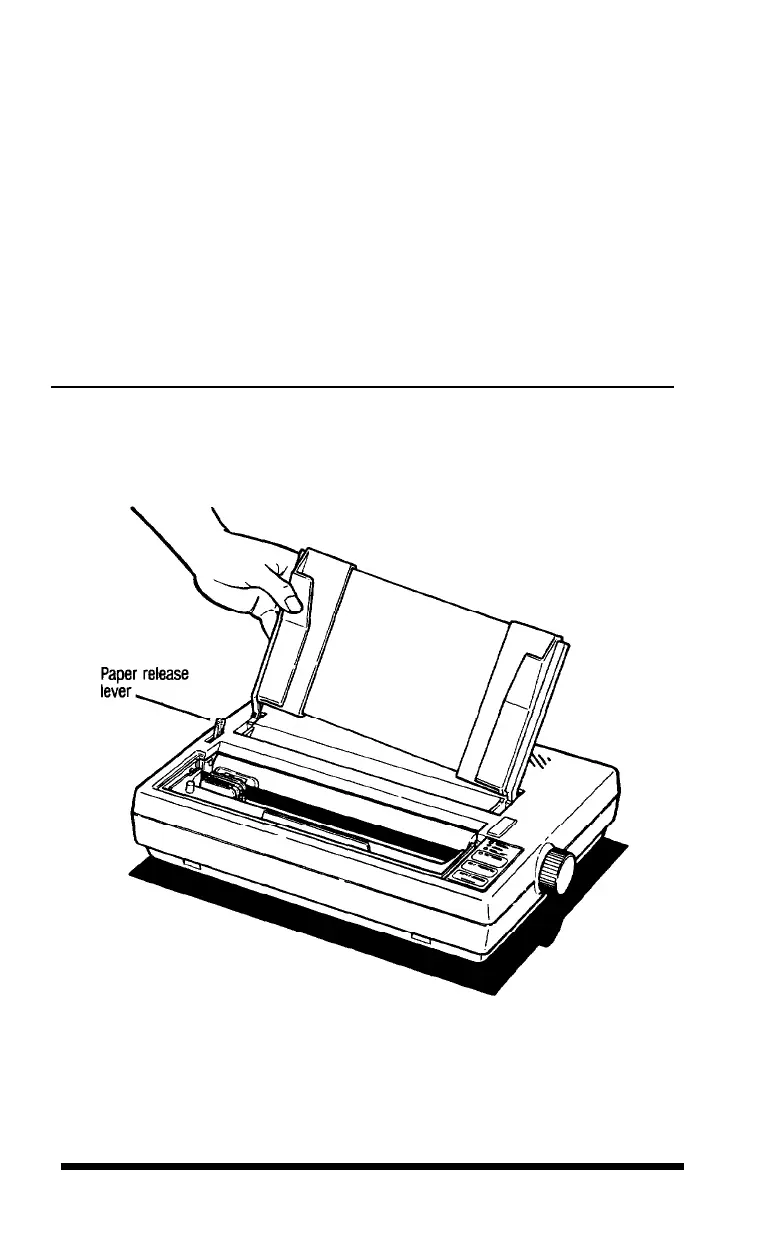
Installing the paper guide
Install the paper guide as follows:
1. If you have not already done so, install the edge guides on the paper
guide by hooking the tab on the back of each guide over the top of
the paper guide, as shown in Figure 1-13. Snap the bottom of each
edge guide into place.
2. Hold the paper guide so that it is in an upright position. Then insert
the legs of the guide into the slots on either side of the printer
behind the paper slot, as shown in Figure 1-16.
Figure 1-16.
Installing the paper guide
1-16
Setting Up












 To Next Page