24 Printing Special Projects
Printing Personal Note Paper
You can print lined or unlined notepaper, personalized with a photo in the
background.
1. Load letter- or A4-size plain paper.
2. Insert a memory card (see page 17) or USB drive (see page 19).
3. Press the
Home button.
4. Press
l or r to select Print Ruled Papers, then press OK.
5. Press
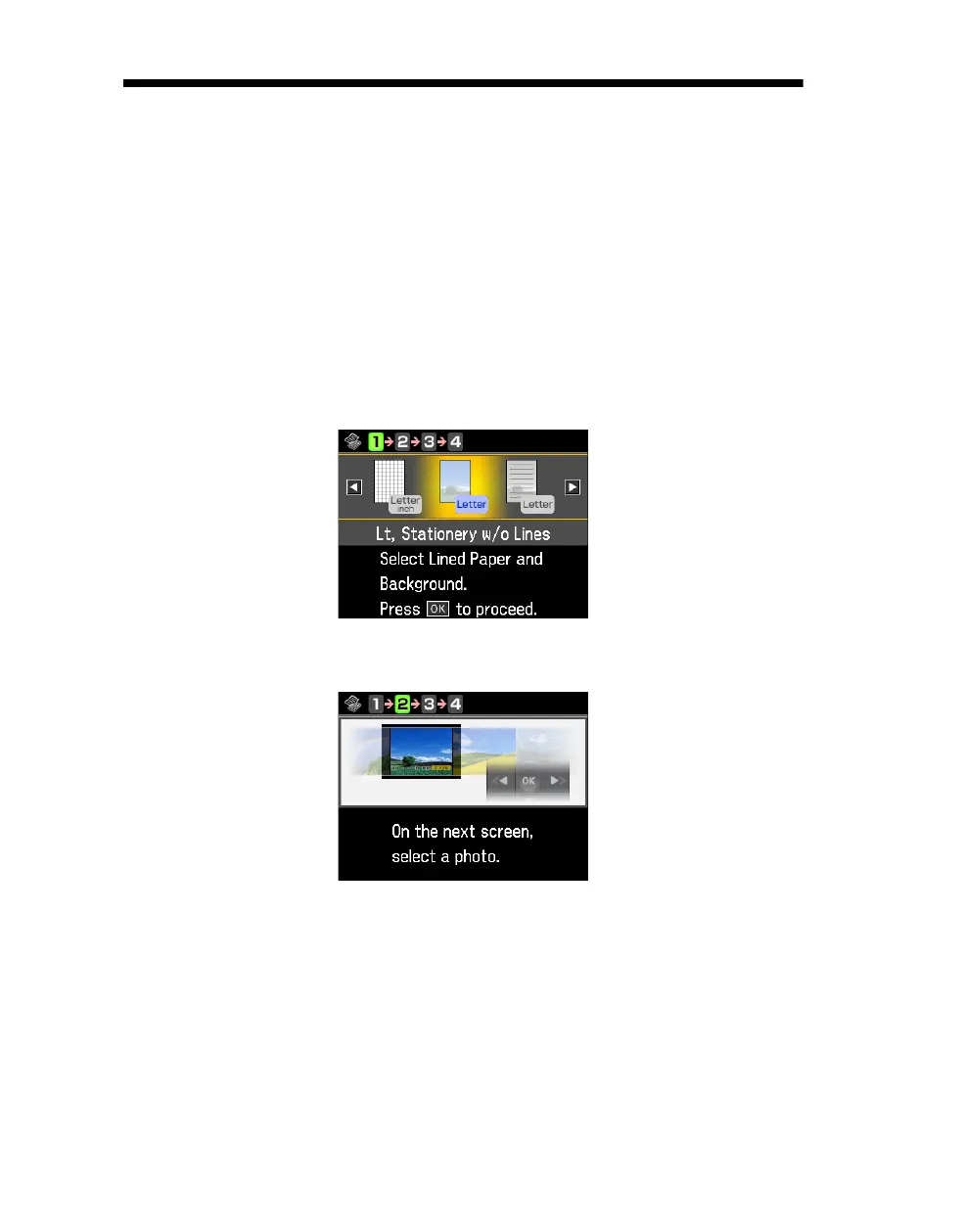
l or r and select one of the Stationery settings (with or without lines)
for your paper size. Then press
OK.
6. When you see this screen, press
OK.



 To Next Page
 Loading...









