78
Related tasks
Loading Originals in the Input Tray
Scanning in Epson Scan 2
Scanning in Epson Scan 2
Epson Scan 2 gives you access to basic and advanced scanning features. You can scan your document
and save the scanned image in various file formats in your operating system's Documents or My
Documents folder, or open it in your scanning program. You can preview the scanned image and select
or change settings as necessary.
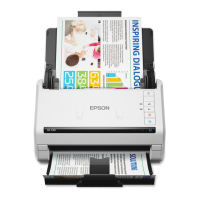
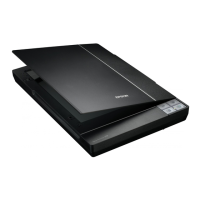
1. Load your original in the product.
2. Start Epson Scan 2.








 To Next Page