EasyManua.ls Logo

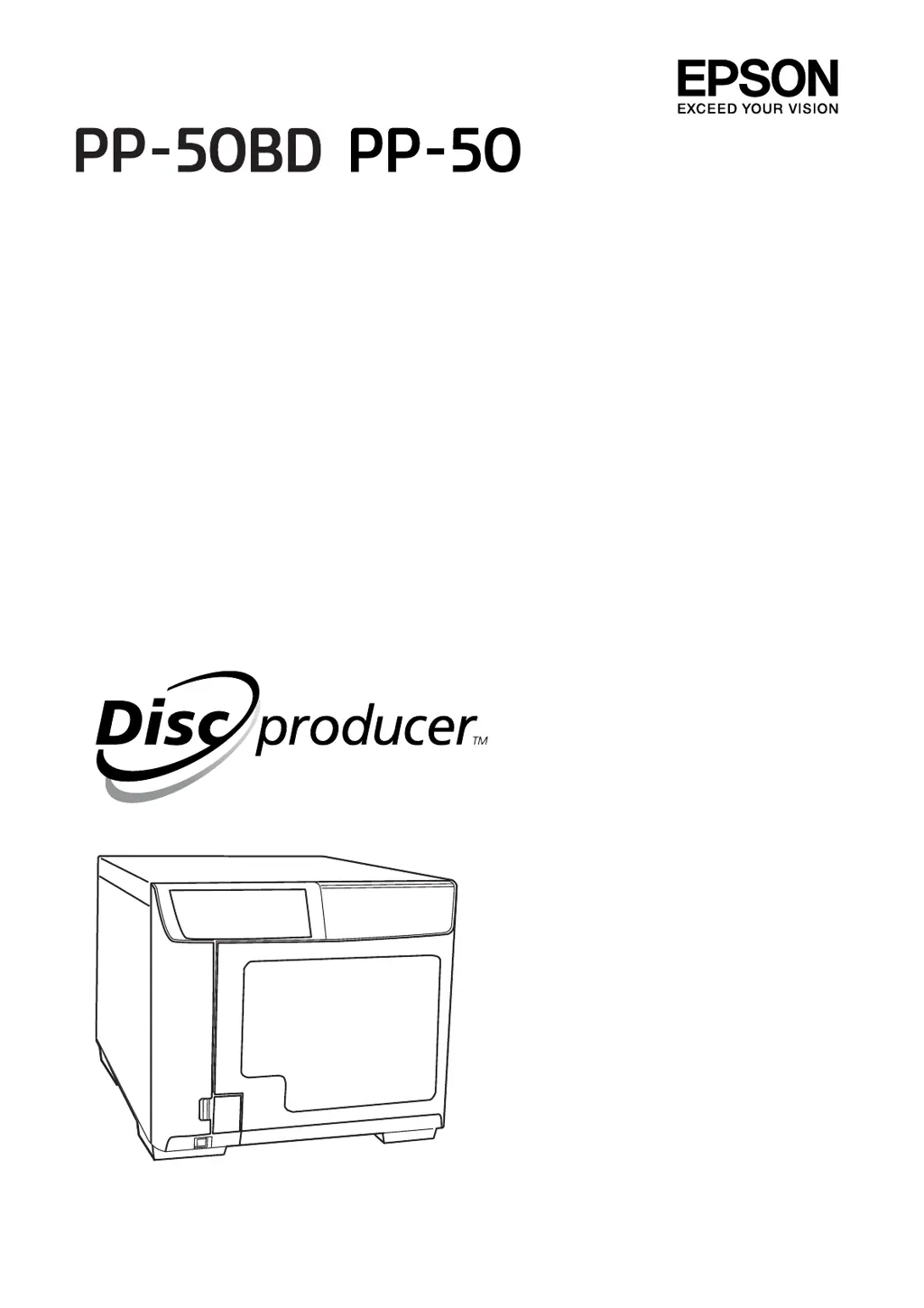
Epson Discproducer PP-50BD - User Manual

Epson Discproducer PP-50BD
110 pages
Print Icon
To Next Page IconTo Next Page
Loading...
User’s Guide
M00033401

Table of Contents

Questions and Answers

  • M
    Michael NguyenSep 13, 2025
    How to resolve internal drive error on Epson Computer Hardware?
    • J
      James ColeSep 13, 2025
      If your Epson Computer Hardware experiences an internal drive error, turn off the product, unplug the power cable, and then check the inside of the drive.
  • J
    Jerry SmithAug 25, 2025
    How to turn on Epson Computer Hardware if all lights are off?
    • S
      Sabrina ChambersAug 25, 2025
      If your Epson Computer Hardware product shows all lights are off, start by pressing the power button to ensure the product is turned on.
  • M
    Mark GarciaAug 26, 2025
    What to do if my Epson Computer Hardware disc jams?
    • R
      robert66Aug 26, 2025
      If your Epson Computer Hardware experiences a disc jam, turn off the product, unplug the power cable, open the disc cover, and remove all discs inside. Then, close the disc cover.
  • D
    Dean SinghSep 23, 2025
    How to fix printed side is smeared on Epson Computer Hardware?
    • A
      Aaron WallSep 23, 2025
      Select the appropriate disc size setting in the printer driver of your Epson Computer Hardware.
  • J
    joystricklandSep 13, 2025
    How to fix Epson Computer Hardware writing error?
    • S
      Sandra JonesSep 13, 2025
      If your Epson Computer Hardware experiences a writing error, replace the disc and resume the job. The error could not be cleared even if it repeated itself for the retry number of times. The disc may have a problem.
  • C
    Courtney GreenSep 22, 2025
    How to fix vertical misalignment on Epson Computer Hardware?
    • W
      William MillerSep 22, 2025
      Run the print head alignment utility on your Epson Computer Hardware.
  • M
    Melissa SmithSep 6, 2025
    How to fix Epson Computer Hardware disc transfer error?
    • J
      Joseph TerrySep 6, 2025
      If the Epson Computer Hardware displays a disc transfer error, turn off the product and remove the disc.
  • S
    Sarah CarrSep 7, 2025
    How to fix Epson Computer Hardware stacker 1 is not correctly inserted?
    • H
      Heather TuckerSep 7, 2025
      For Epson Computer Hardware, make sure stacker 1 is correctly inserted.
  • M
    Michael OdonnellSep 23, 2025
    How to fix blurry or smeared printout on Epson Computer Hardware?
    • J
      James HansenSep 23, 2025
      Use genuine Epson ink cartridges with your Epson Computer Hardware.
  • I
    ifigueroaAug 30, 2025
    How to fix Epson Computer Hardware when stacker 2 is overloaded?
    • J
      Jenny LeAug 31, 2025
      If your Epson Computer Hardware indicates that stacker 2 is overloaded, remove discs so that discs are below the red line.

Epson Discproducer PP-50BD Specifications

General IconGeneral
ConnectivityUSB 2.0
Number of Drives1
Disc Capacity50 discs
Print MethodInkjet
Supported MediaCD-R, DVD-R, DVD+R, BD-R
Maximum Printing Resolution1440 x 1440 dpi
Ink CartridgesCyan, Magenta, Yellow, Black
Operating Systems SupportedWindows 7

Related product manuals