Monitoring window layout
23
• Expanding and collapsing icons
Each time you double-click a group icon, the icons for the projector
that have been registered in that group are displayed or hidden.
• Moving icons
To change the position of an icon within Grouping view, simply drag
and drop the icon to be moved.
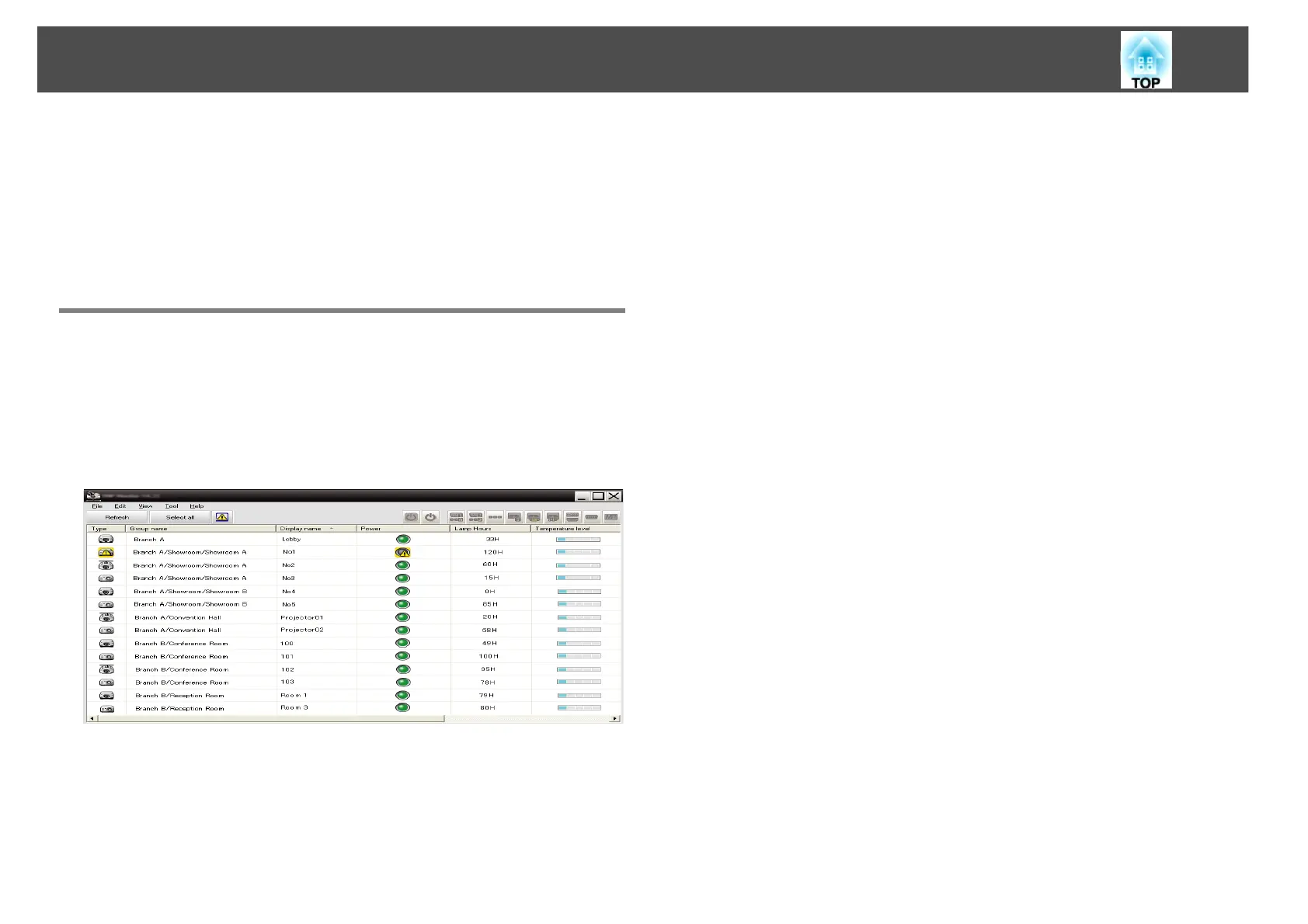
Monitoring using Detail list view
Meanings of Detail list view icons
The status of registered projectors is displayed as a list in Detail list view
regardless of which groups the projectors belong to.



 To Next Page
 Loading...



