Monitoring window layout
29
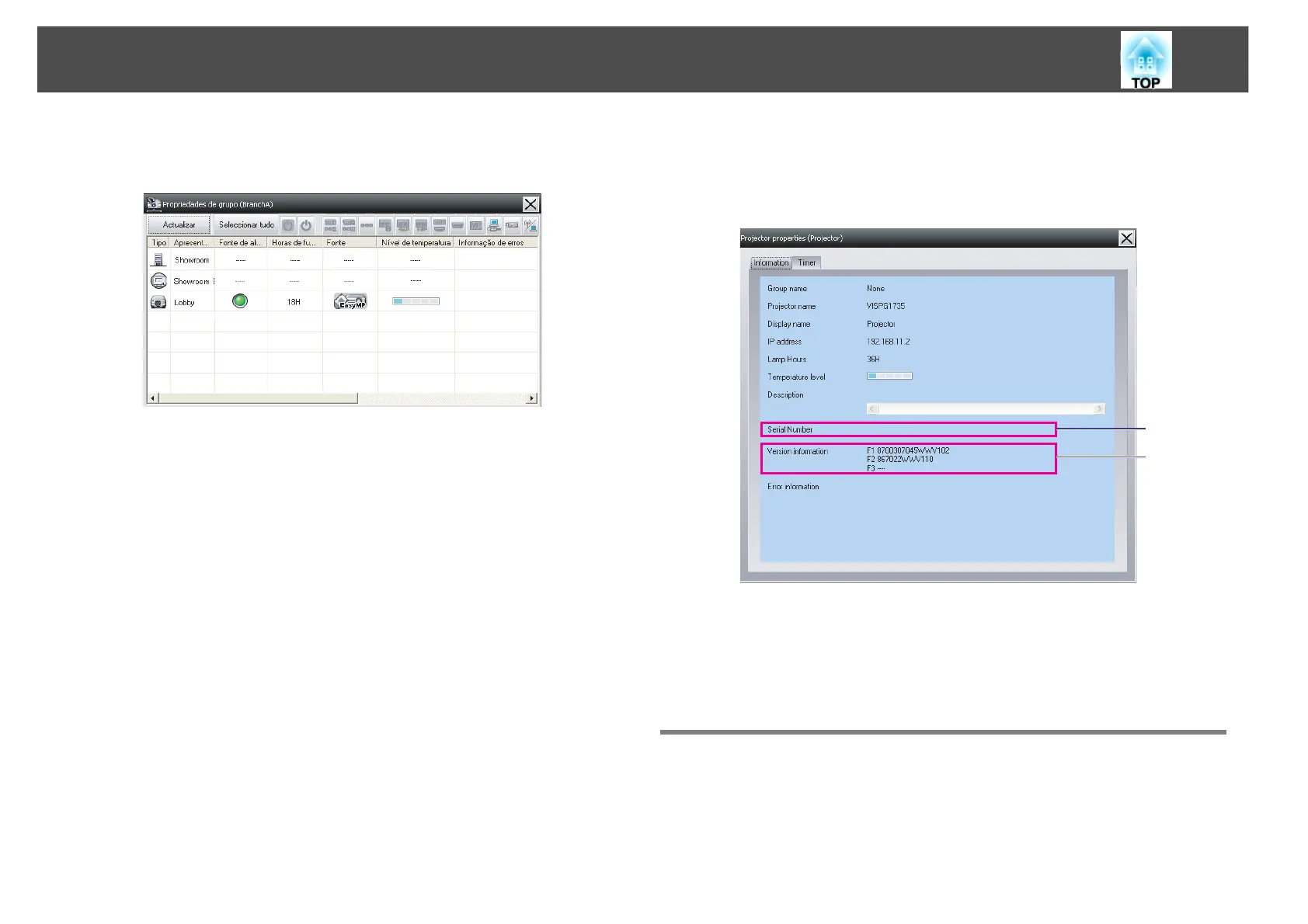
• Displaying properties for specified groups
Right-click an icon in Grouping view and then select Property.
If you double-click in a line, the properties for that group or projector
will be displayed.
Displaying projector properties
Right-click on a projector icon in Grouping view or Detail list view and
select Property.
Displaying and deleting logs
In your web browser, you can check a transmission log of content such as
what has been controlled by EMP Monitor, projector errors. You can
delete logs once you have checked them.
1
Shows the projector's serial number. If hyphens are displayed, confirm
the serial number on the label of the projector.
2
Displays the projector firmware version.
B
A



 To Next Page
 Loading...



