Monitoring window layout
27
B Select "Resident in the task tray".
C Click "OK".
• Right-click the icon in the system tray to open a pop-up menu to select
the Open the main screen or Exit.
• If Register at start up in the Environment set up is selected, EMP
Monitor starts automatically when the computer's power is turned on.
When using EMP Monitor under Windows Vista, you must have
administrator authority in order to use this function.
Displaying projectors with problem or warning
statuses in a list
You can display a list of only the projectors which have a problem or
warning status.
Procedure
Select "Warning and Error Projector list" from the View menu.
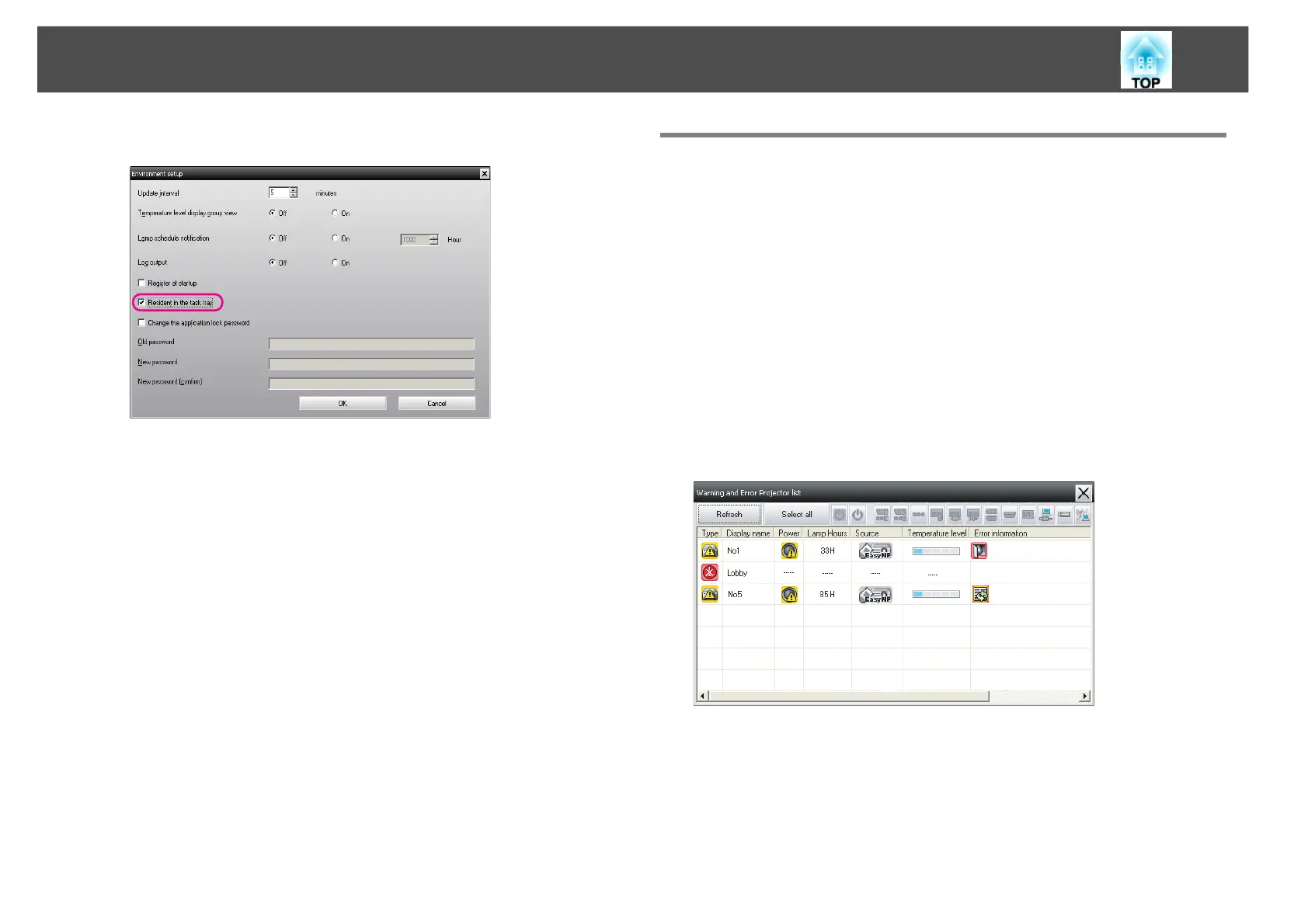
The following Warning and Error Projector list window will be
displayed.
If you move the mouse pointer over the icon of the Error information,
details of the error and the remedy will be displayed. If you double-click
in a line, the properties for that projector will be displayed. s p.29



 To Next Page
 Loading...



