139
Paper Jam Problems
If you have problems with paper jams, try these solutions:
1. Cancel the print job from your computer, if necessary.
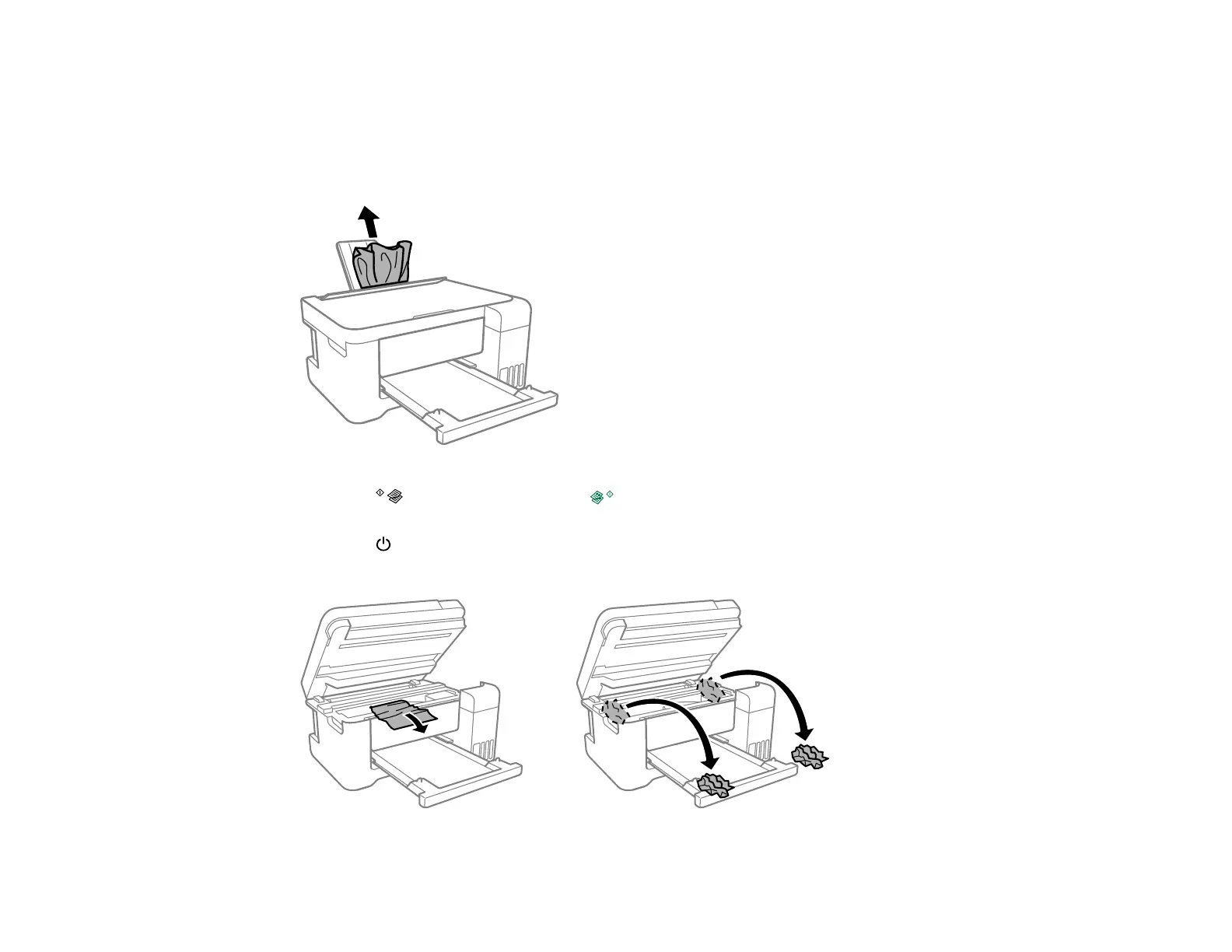
2. Gently pull out any jammed paper from the rear paper feed.
3. Press the B&W copy button or the color copy button to resume printing. If the product lights
still show an error, continue with the next step.
4. Press the power button to turn the product off.
5. Lift the scanner unit and remove the jammed paper and any torn pieces.



 To Next Page
 Loading...









