96
Checking Ink Levels on Your Product
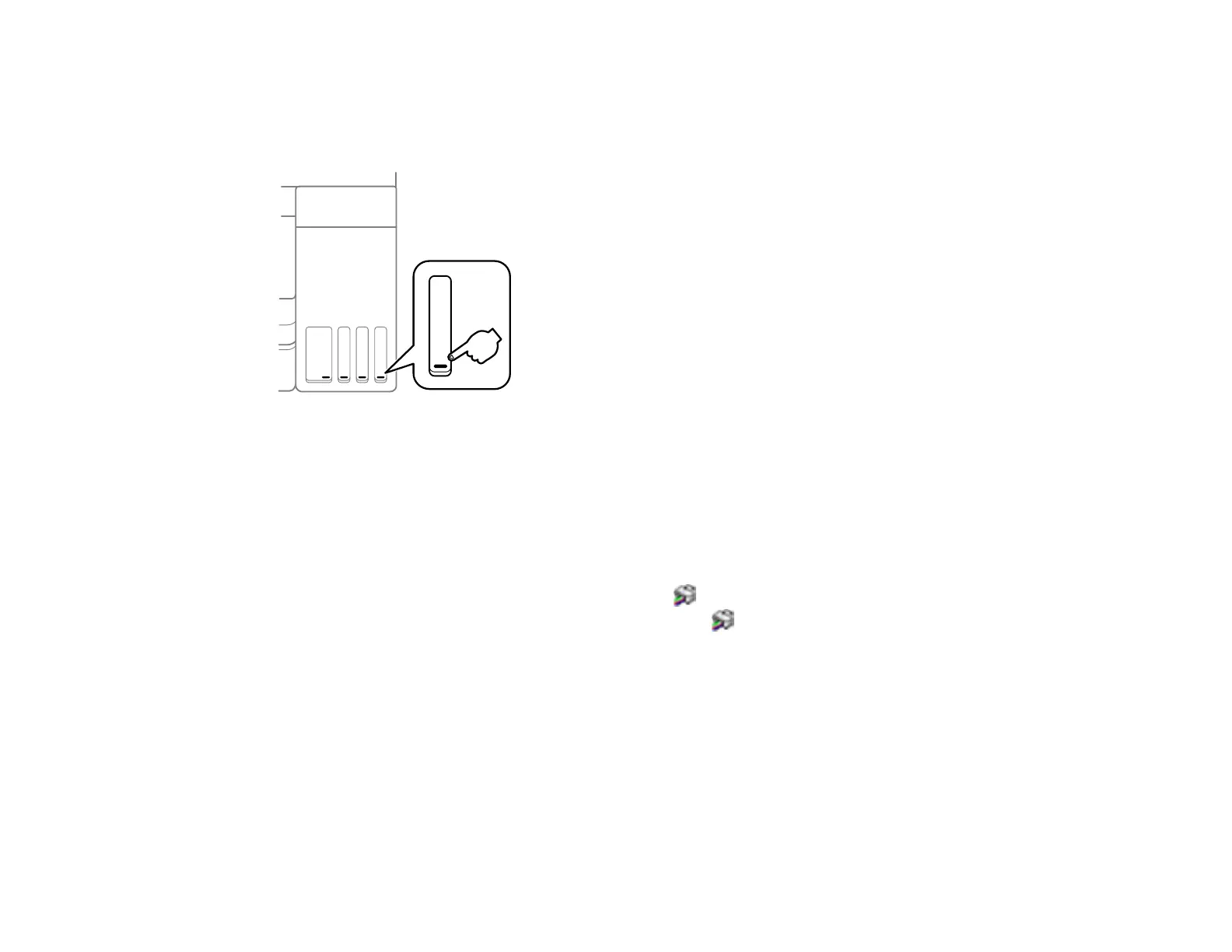
To confirm the actual ink levels, visually check the ink levels in the product’s ink tanks. Make sure the ink
levels are above the lower lines on the ink tanks.
Parent topic: Refilling Ink
Related tasks
Refilling the Ink Tanks
Disabling Special Offers with Windows
You can disable special offers messages from Epson using a utility on your Windows computer.
1. Access the Windows Desktop and right-click the icon for your product in the right side of the
Windows taskbar, or click the up arrow and right-click . Select Monitoring Preferences.














 To Next Page