47
2. Click the Settings button.
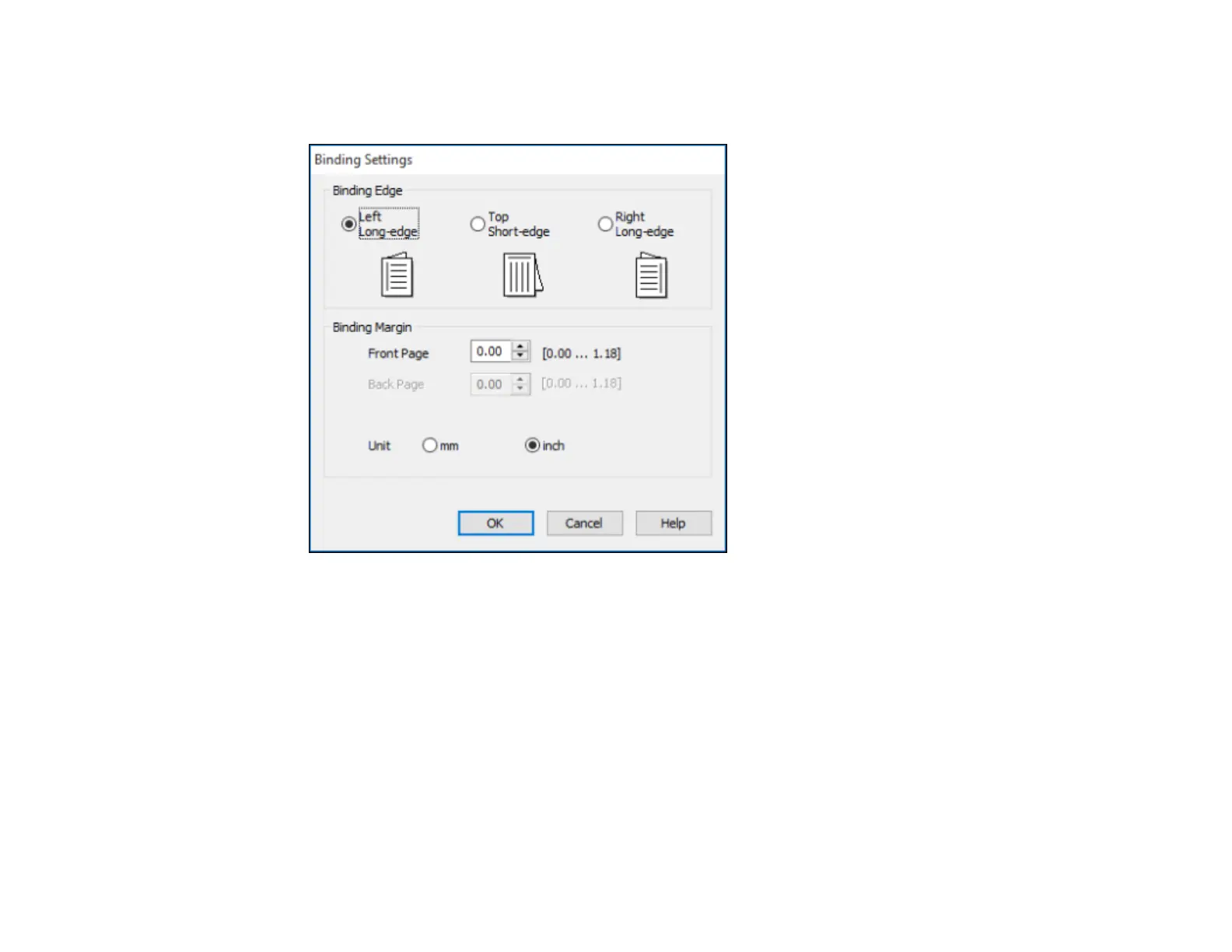
You see a window like this:
3. Select the double-sided printing options you want to use.
4. Click OK to return to the Main tab.
5. Print a test copy of your double-sided document to test the selected settings.
6. Follow any instructions displayed on the screen during printing.
Double-sided Printing Options - Windows
Parent topic: Printing with Windows
Related tasks
Selecting Basic Print Settings - Windows














 To Next Page