VIDEOCLIPfilesareverylarge.Besureyouhaveenoughmemoryspacebeforeyoubegin.
Imagesize RecordingTime(16MB) RecordingTime(8MB)
320 × 240★★ Approx.60seconds Approx.30seconds
160 × 120★ Approx.150seconds Approx.70seconds
PLAYINGBACKACLIP
VIDEOCLIPS
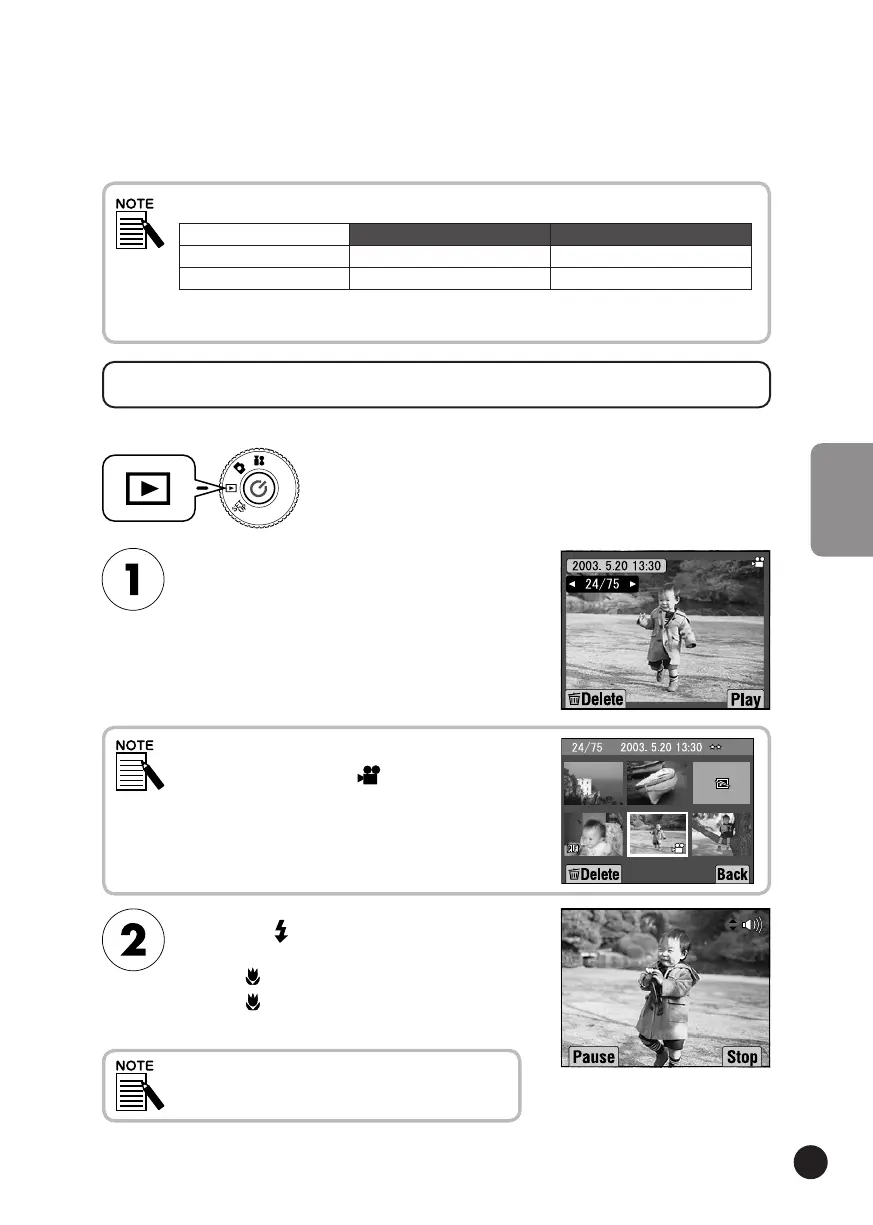
YoucanwatchaVideoClipusingtheLCDmonitor.
Selectasequenceusingthe
▲
▼
buttons.
InformationfortheVIDEOCLIPwillappearonthe
LCDmonitor.
Pressthe FLASHbuttonto
playbackaVIDEOCLIP.
Pressthe MACRObuttontopausetheplayback.
Pressthe MACRObuttonagaintoresumethe
playback.
SpeakerVolume
Youcanadjustthespeakervolumeusing
the▲▼buttons.
Pressthe
W
ZOOMbuttonifyouwanttoseemultiple
imagesatthesametime.The iconwillappearfor
VIDEOCLIPS.
TurntheDIALSWITCHtoPLAYBACKMODEand
thenturnthePOWERON.
FramedatawillalsobeinstalledontheprovidedSDMemorycard.Thismayreducethe
totalindicatedonthetable.



 To Next Page