126
You can save the scanned file as a JPEG or PDF file, or attach it to an email. You can also set up
custom scan settings using Event Manager and automatically scan using those settings on your product
control panel.
Note: Be sure you have installed Epson Scan 2 and Event Manager on your computer before scanning
to your computer.
1. Place your original on the product for scanning.
2. Press the home button, if necessary.
3. Select Scan.
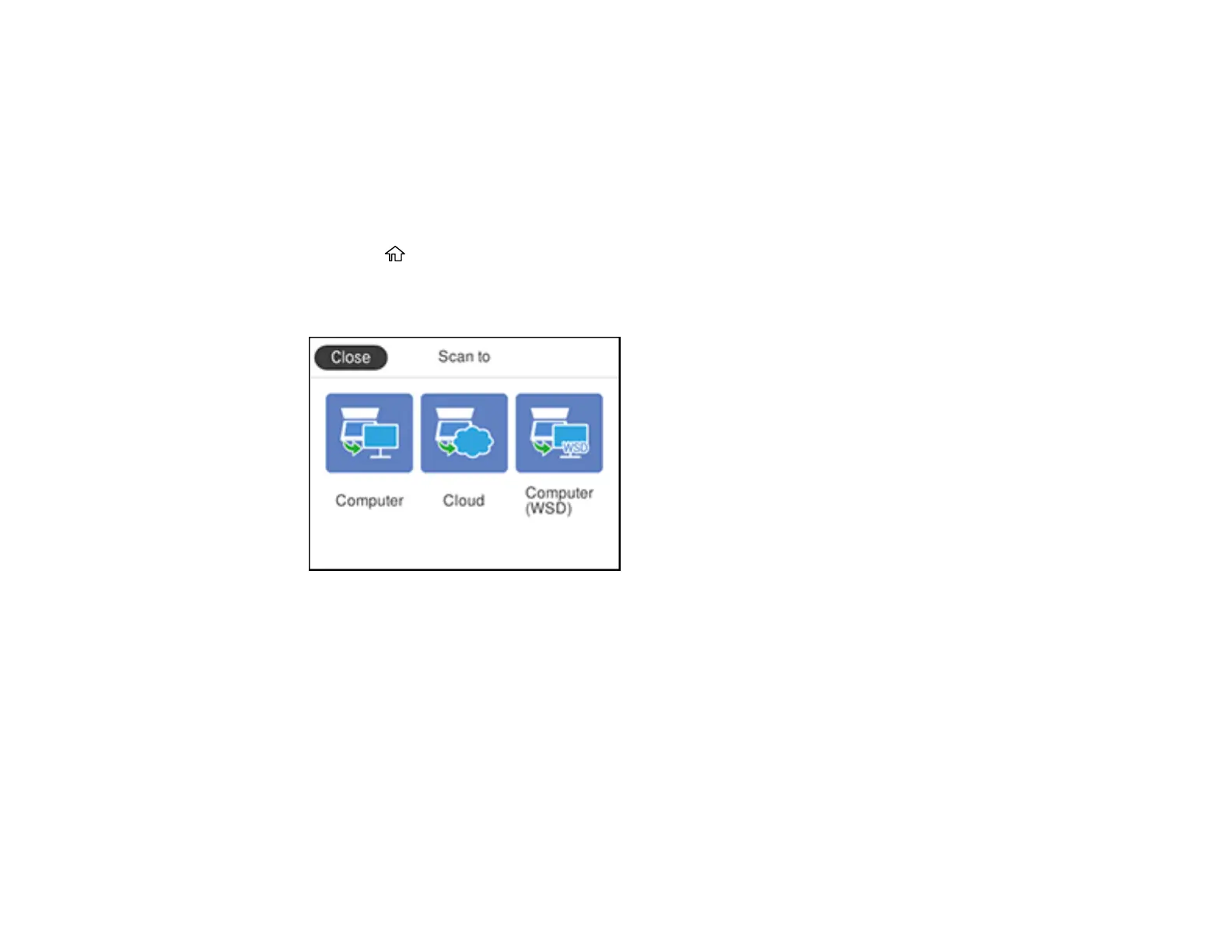
You see a screen like this:
4. Select Computer.



 To Next Page