136
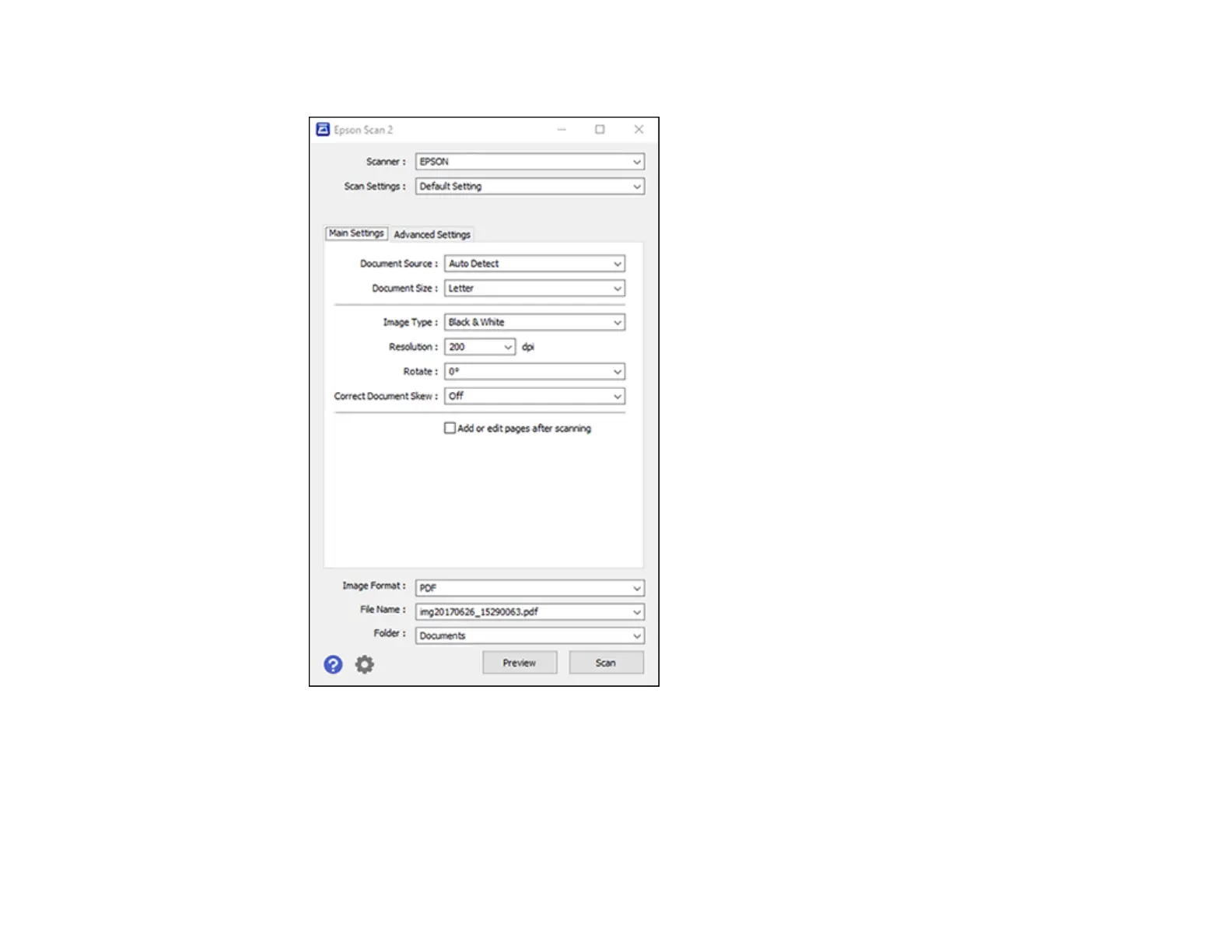
You see this window:
2. Select the Document Source setting that matches where you placed your original, or select Auto
Detect to have Epson Scan 2 automatically detect the source.
3. Select the Document Size setting that matches the size of your original. You can select Customize
to enter a custom size, if necessary.
4. Select the image type of your original and how you want it scanned as the Image Type setting.



 To Next Page