150
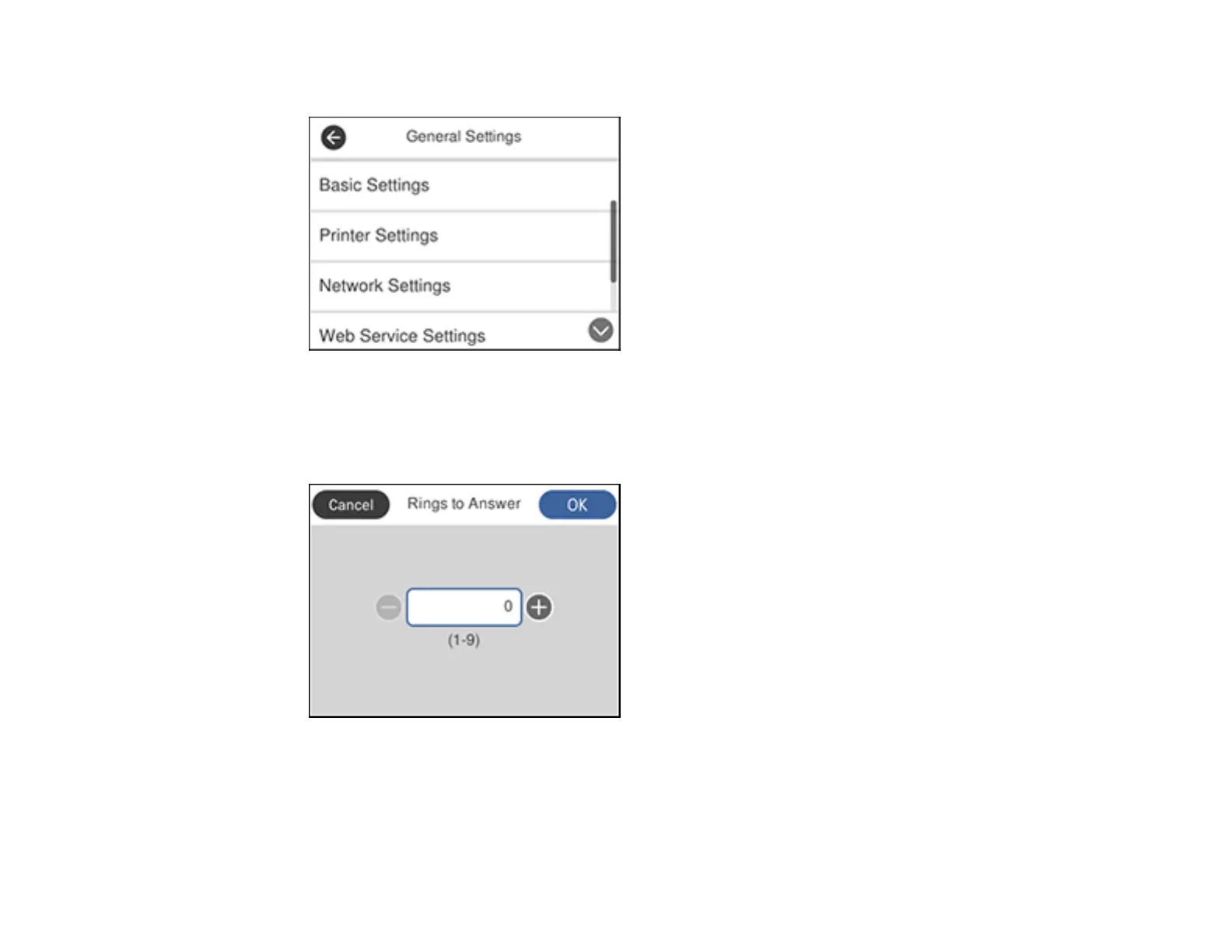
3. Select General Settings.
4. Scroll down and select Fax Settings.
5. Select Basic Settings.
6. Select Rings to Answer.
7. Select the number of rings and select OK. Make sure to select a number higher than the number of
rings your answering machine is set to for answering a call.



 To Next Page