231
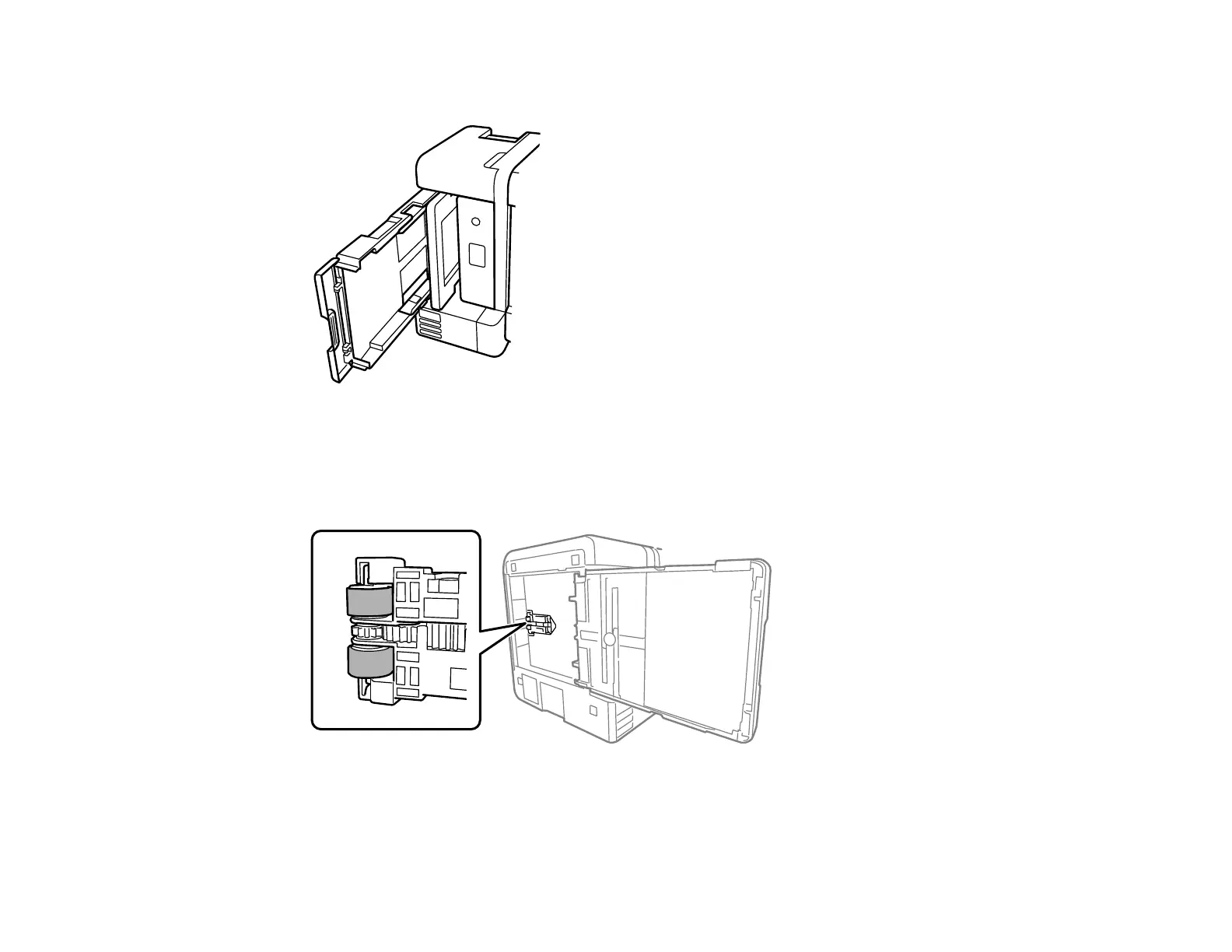
6. Place the product on its side with the ink tank on the bottom.
Warning: Be careful not to trap your fingers under the product.
7. Use a soft, moist cloth to clean the paper rollers, as shown. Rotate the rollers to clean them
thoroughly.
8. Return the product to its normal position.
Caution: Do not leave the printer on its side for an extended period of time.



 To Next Page