By holding down a certain button while you
turn
on the
printer, you can
perfom
the self test in draft or LQ mode, or
you can print out a list of the current DIP-switch settings.
These buttons are listed
below
LOAD/EJECT
Draft mode self test
LF/FF
LQ mode self test
ALT
DIP-switch setting list
The self test begins by printing on the first and last lines of
page 1. The printer then print the character samples on page 2
If you select LQ mode, the printer print the self test in every
font, in turn.
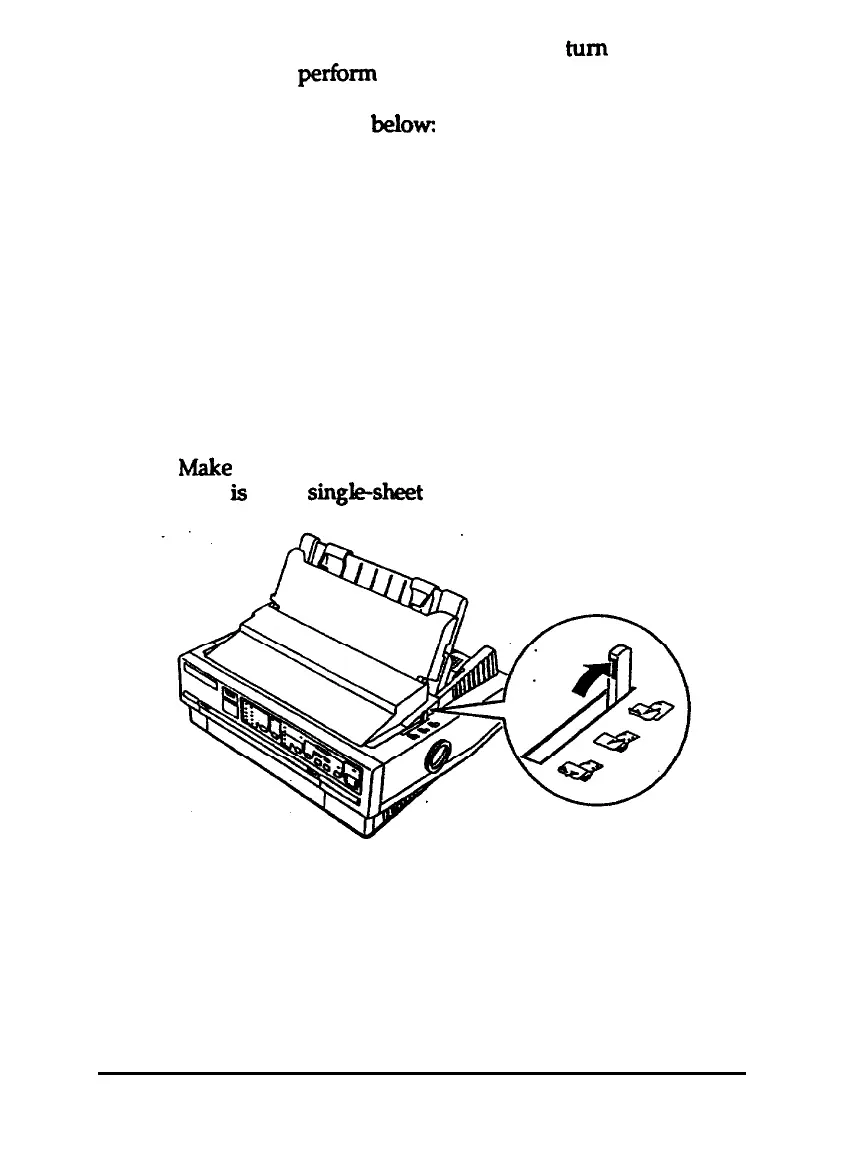
1.
h4ake
sure the printer is turned off and that the paper-release
lever
is
in the
sin&sheet
position.
2.
While holding down the appropriate button, turn on the
printer. The printer beeps and the platen turns for a few
seconds, signaling that the printer is in self-test mode.
1-10
Setting Up the Printer



 To Next Page