3.
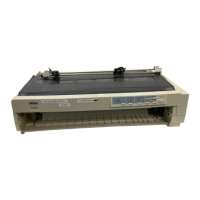
Release the sprockets by pushing the sprocket locks backward.
4.
Position the left sprocket as shown below. (Printing starts at the
arrow mark.) See the Appendix for more information on the
left margin position.
5. Lock the sprocket in place. Then slide the right sprocket to match
the width of your paper, but do not lock it.
Paper Handling
2-13



 To Next Page