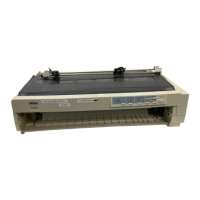
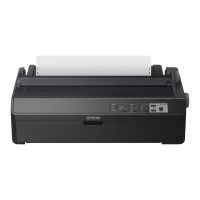
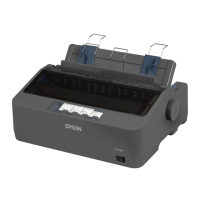
LF/FF (line feed/form feed)
Press this button briefly to feed the paper forward one line. Hold
the button down to eject a single sheet of paper or advance
continuous paper to the top of the next page. You can also use this
button to load a single sheet of paper from the cut-sheet feeder or
to feed continuous paper from the standby position to the loading
position.
Tear Off /Bin
Pressing this button moves a page to the tear-off position, and
pressing it again moves the next page to the top-of-feed position.
When cut sheets are used, pressing it selects the cut-sheet feed bin
number. Use the Card mode (Bin 1 selected) to print on postcards.
Font
Press this button to select one of the following fonts:
Draft, Roman, Sans Serif, Courier, Prestige, Script, or Other’
* “Other” means the font selected in the Default Setting mode.
Pitch
Press this button to select one of the following pitches:
10 cpi, 12 cpi, 15 cpi, 17 cpi, 20 cpi, or proportional spacing (PS).
Note:
The typestyle samples on the control panel are meant as guides only;
actual printed results may differ slightly.
Using the Printer
3-5



 To Next Page