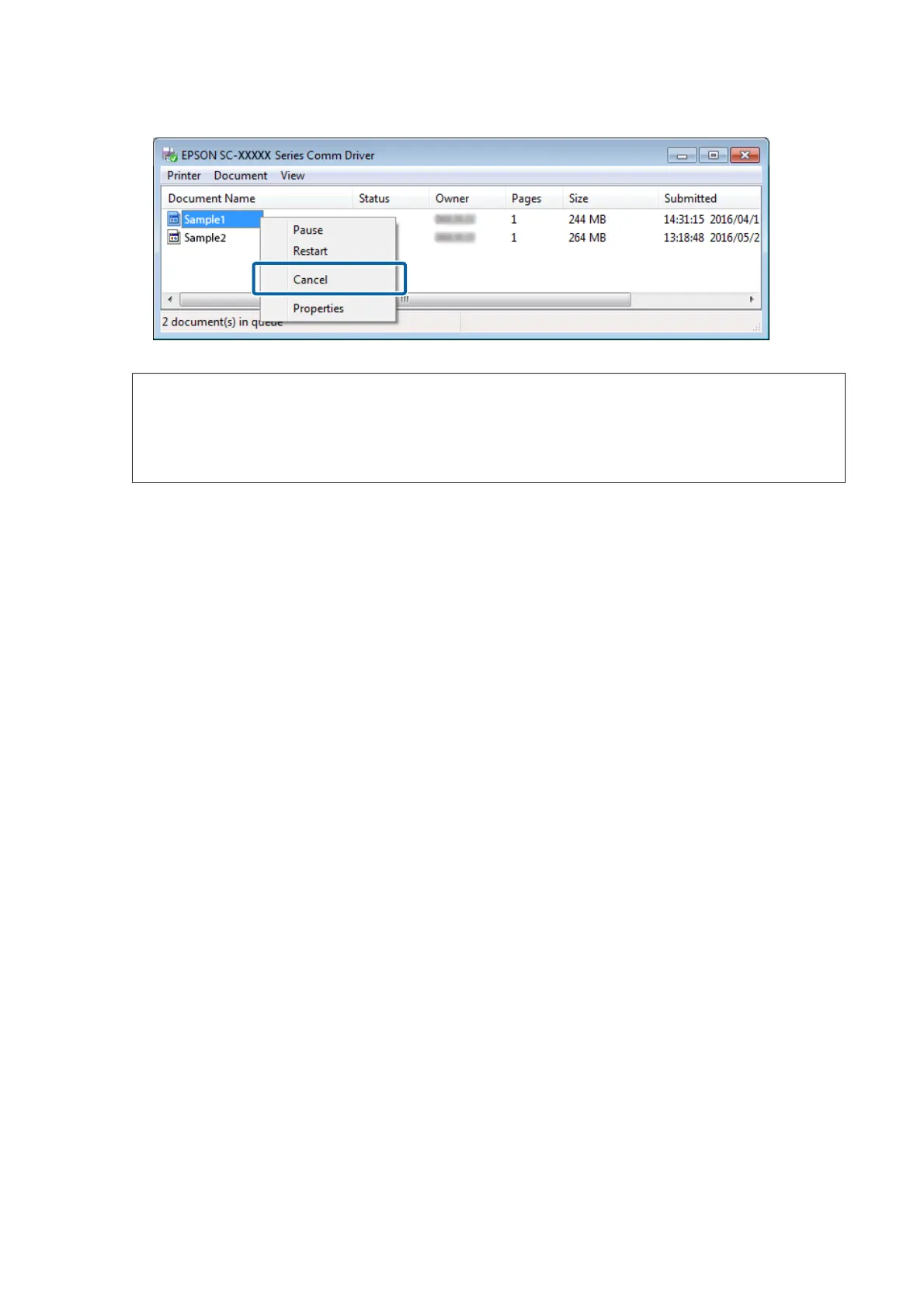
Note:
By doing the following settings, print data is sent directly to the printer without being spooled to the communication
driver.
U “The Estimated Print Time Does Not Match (Windows Only)” on page 33
C
On the printer’s control panel screen, select Job Cancel and press the Z button.
The job that is being printed is canceled. It may take some time before you are able to print again after a job has
been canceled.
Epson Manual for RIP Printing (ONYX RIP)
Print Operations
30



 To Next Page