Print Operations
In this section we explain how to print one print data as one job. See the manual for the RIP for how to automatically
layout several print data and print them all at once, or for how to add margins and marks and print.
For ONYX RIP
We recommend reading the print data in the RIP Queue to confirm the preview and then using a quick set to print
it.
U “Printing the Print Data While Checking it” on page 26
Hot folder printing is useful when you do not need to check the print data.
U “Hot Folder Printing” on page 28
Printing the Print Data While Checking it
A
Correctly load the media into the printer.
See Operator's Guide (booklet/online manual) for the procedure for loading media.
B
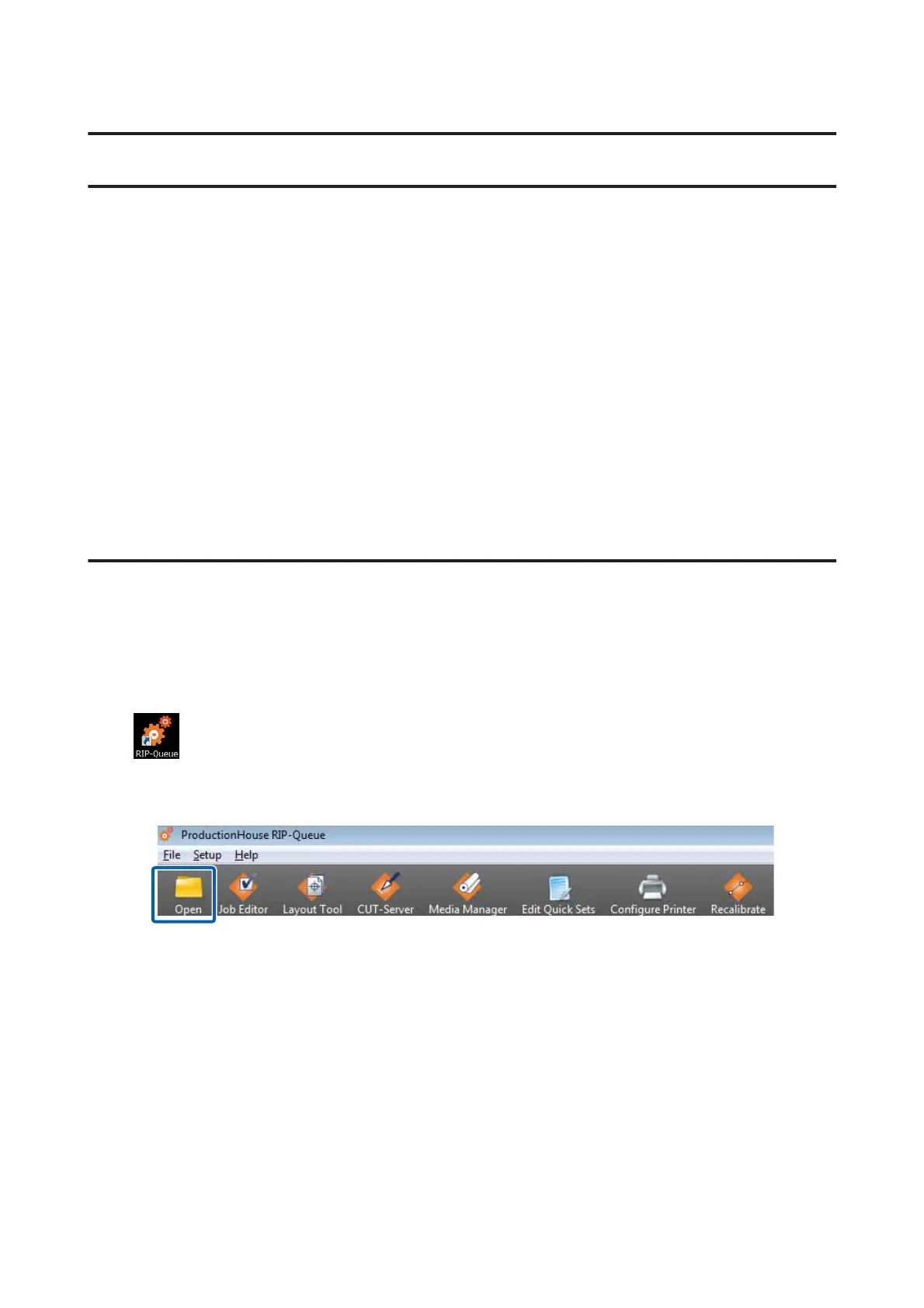
Double click the RIP Queue icon.
C
On the toolbar, click Open.
D
Select the print data and quick set.
(1)
Select a quick set for the same media as the media setting selected on the printer in Quick Sets.
If you are using multiple printers, select the printers you are using on Printer, and then select Quick Sets.
(2)
Select the print data on the preview screen on the left side. Click Open.
Epson Manual for RIP Printing (ONYX RIP)
Print Operations
26



 To Next Page