For ONYX RIP
A
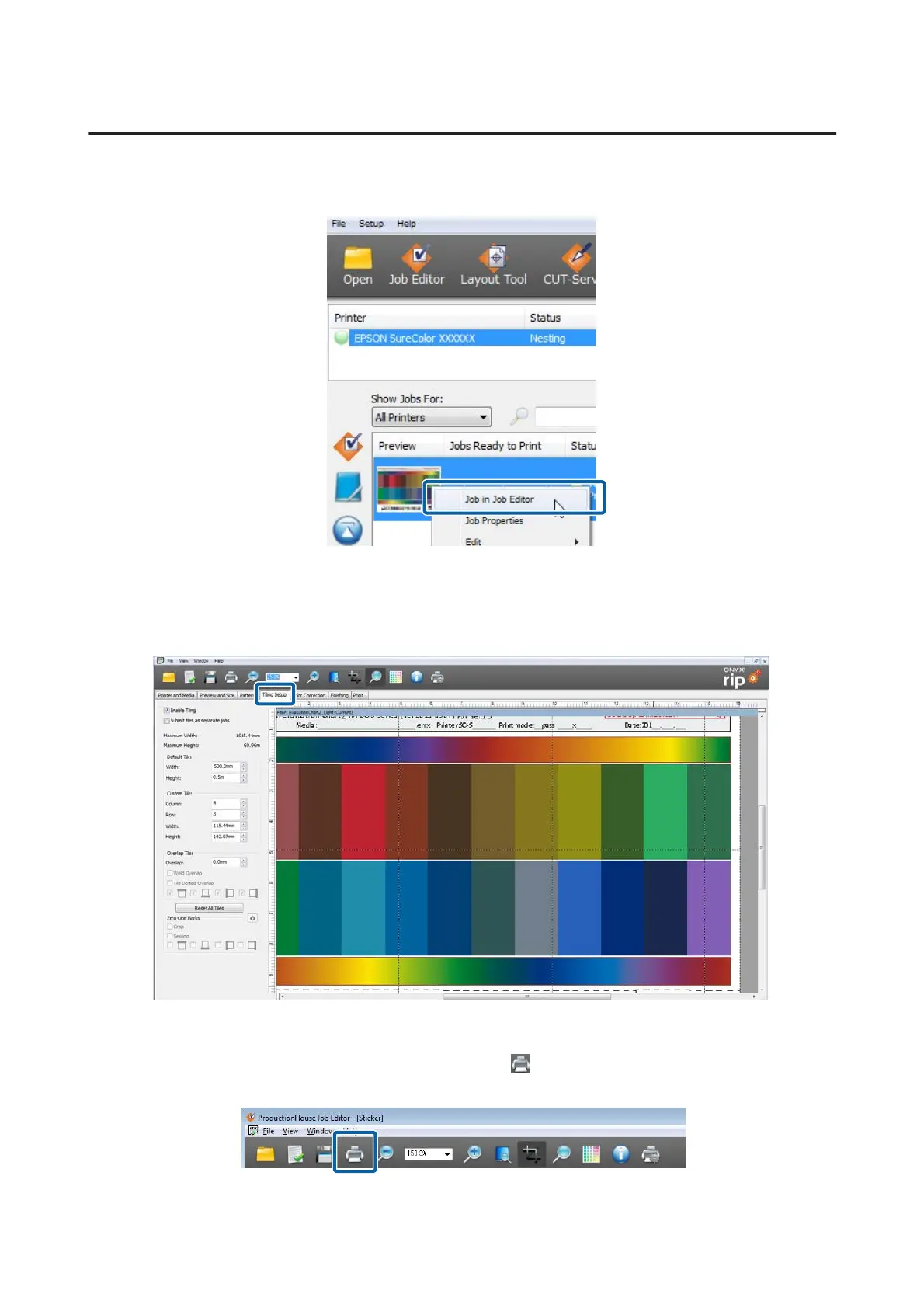
Read the print data with RIP Queue. Right click Preview, and then select Job in Job Editor.
B
Do the settings for tiled printing in the Tiling Setup tab.
See the manual for the RIP for details on these settings.
C
Once you finish doing the settings for tiled printing, click .
This takes you back to the RIP Queue screen.
Epson Manual for RIP Printing (ONYX RIP)
Troubleshooting
36



 To Next Page