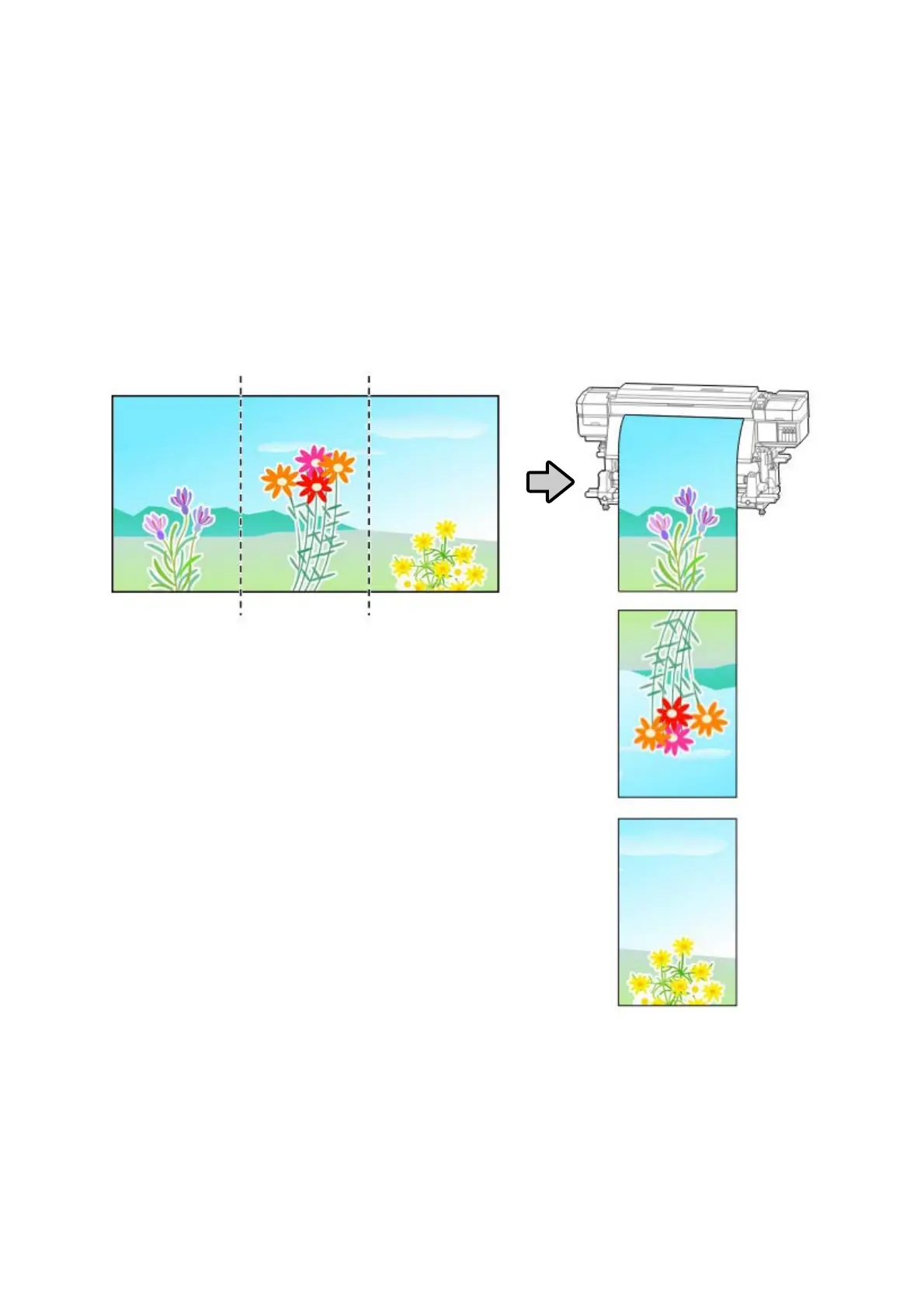
The Seams between Pages Stand Out
If you divide an image into multiple pages, and then print it so that the pages alternatingly flip vertically, as shown, the
seams where the pages are joined will not stand out.
Tiled Printing (or Panel Printing)
See the following for the procedure for doing tiled printing with the RIP, from dividing the image to printing it so that
they alternatingly flip vertically.
ONYX RIP U “For ONYX RIP” on page 36
Epson Manual for RIP Printing (ONYX RIP)
Troubleshooting
35



 To Next Page