Preparations for Hot Folder Printing
A
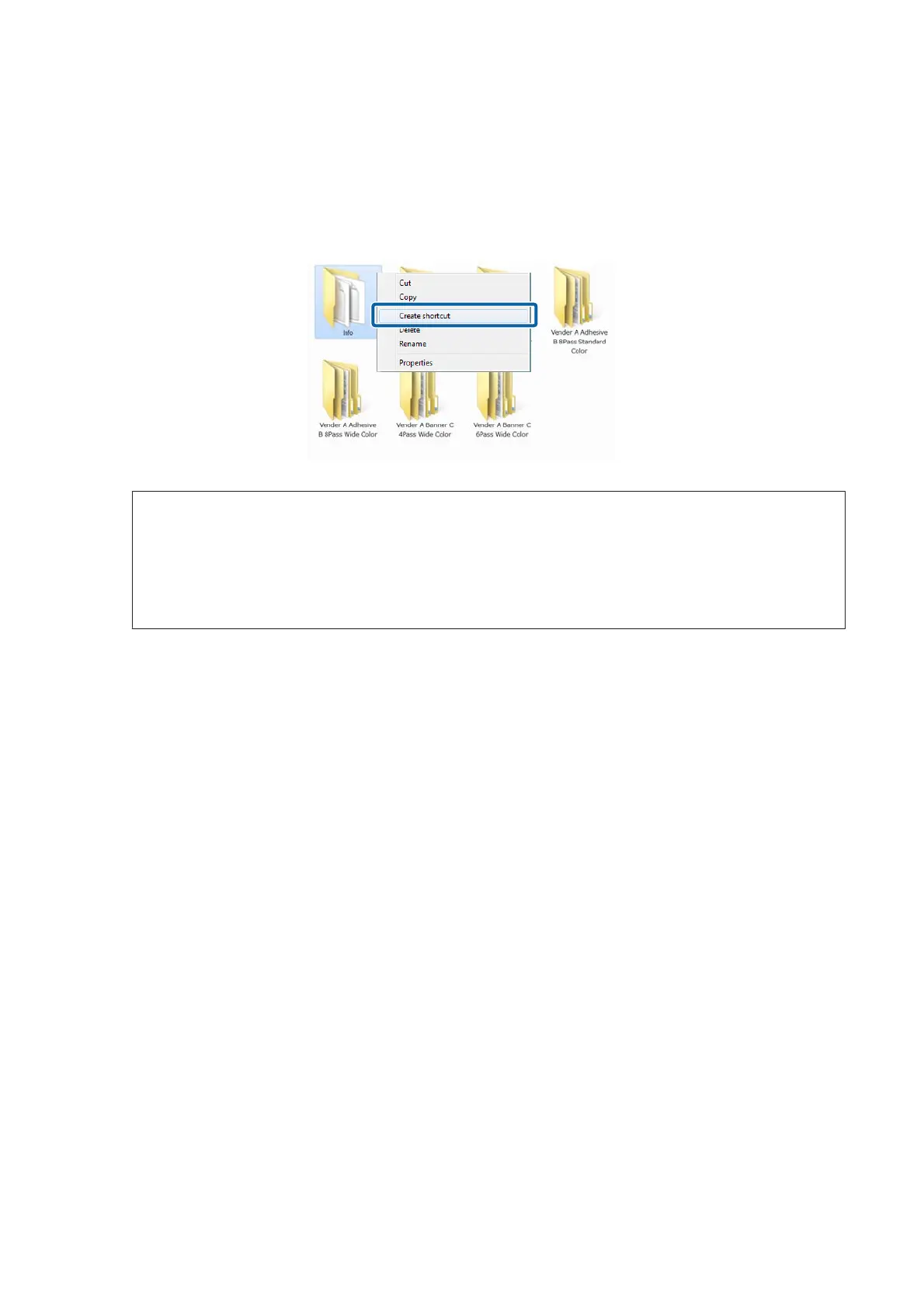
Right click the icon of the hot folder that you want to use and select Create shortcut.
Hot folders are automatically created in the following location when quick sets are saved.
Installation folder for ONYX RIP - input - inside the printer name folder
Note:
If you want to do hot folder printing through the network from another computer, consult with the network
administrator, and then create a shortcut using the following procedure.
(1) Share the hot folder that you want to use.
(2) Create a shortcut on the Map Network Drive.
B
Move the shortcut icon that you created to the desktop.
Epson Manual for RIP Printing (ONYX RIP)
Preparations for Printing
25



 To Next Page