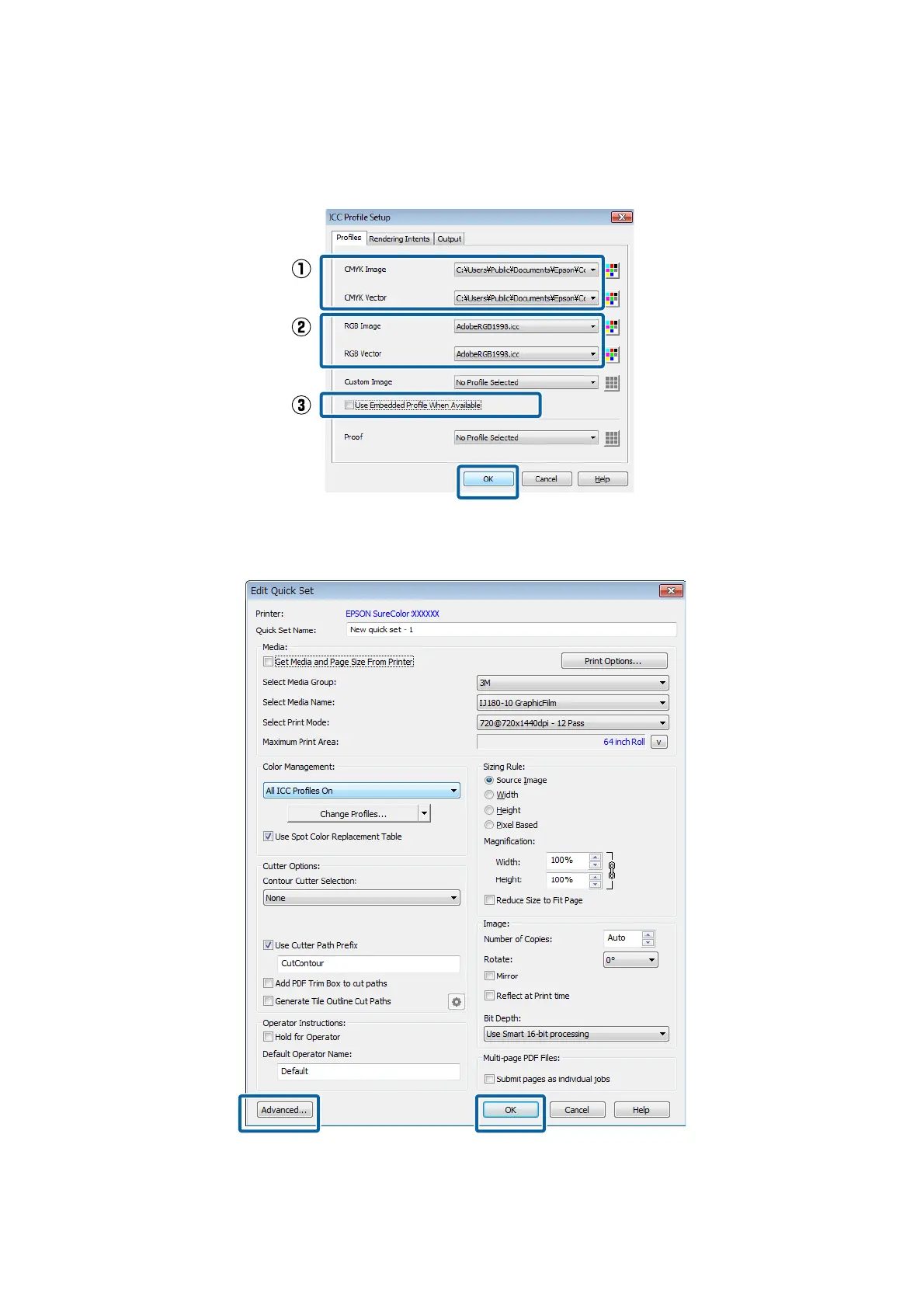
See the following for settings for printing with the display colors in the image processing software and how to
check print results in advance.
U “Matching the Print Results to the Displayed Color of Print Data” on page 37
H
Do the other settings as needed. Click OK.
If you want to do advanced settings, click Advanced on the bottom left of the screen.
Epson Manual for RIP Printing (ONYX RIP)
Preparations for Printing
24



 To Next Page