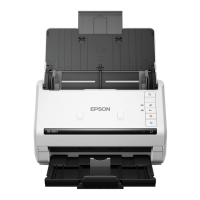
111
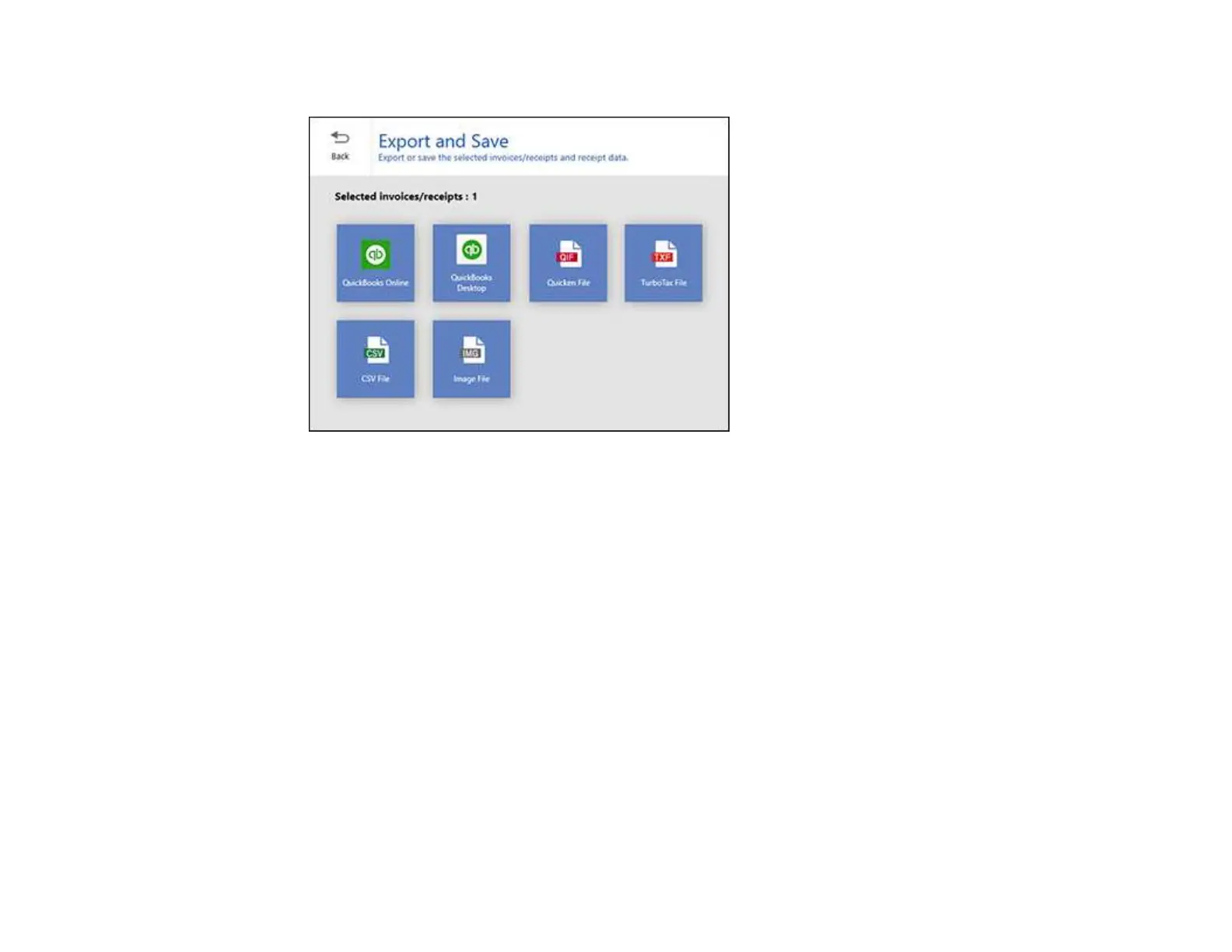
You see a screen like this:
10. Select an option. See the links below.
Exporting Invoices or Receipts to QuickBooks Online
Exporting Invoices or Receipts to QuickBooks Desktop
Saving or Exporting Receipts to Quicken
Saving Receipt Data as a TurboTax File
Saving Invoice or Receipt Data as a CSV File
Scanning Invoices or Receipts as an Image File
Parent topic: Scanning Using Invoice/Receipt Manager
Related references
Characters are not Recognized During Conversion to Editable Text (OCR)
Exporting Invoices or Receipts to QuickBooks Online
You can export invoice or receipt data to QuickBooks Online.
Note: Make sure you have a current QuickBooks account and your login information is available.
1. Make sure your invoices or receipts are scanned and reviewed. See the link below.


 To Next Page