E
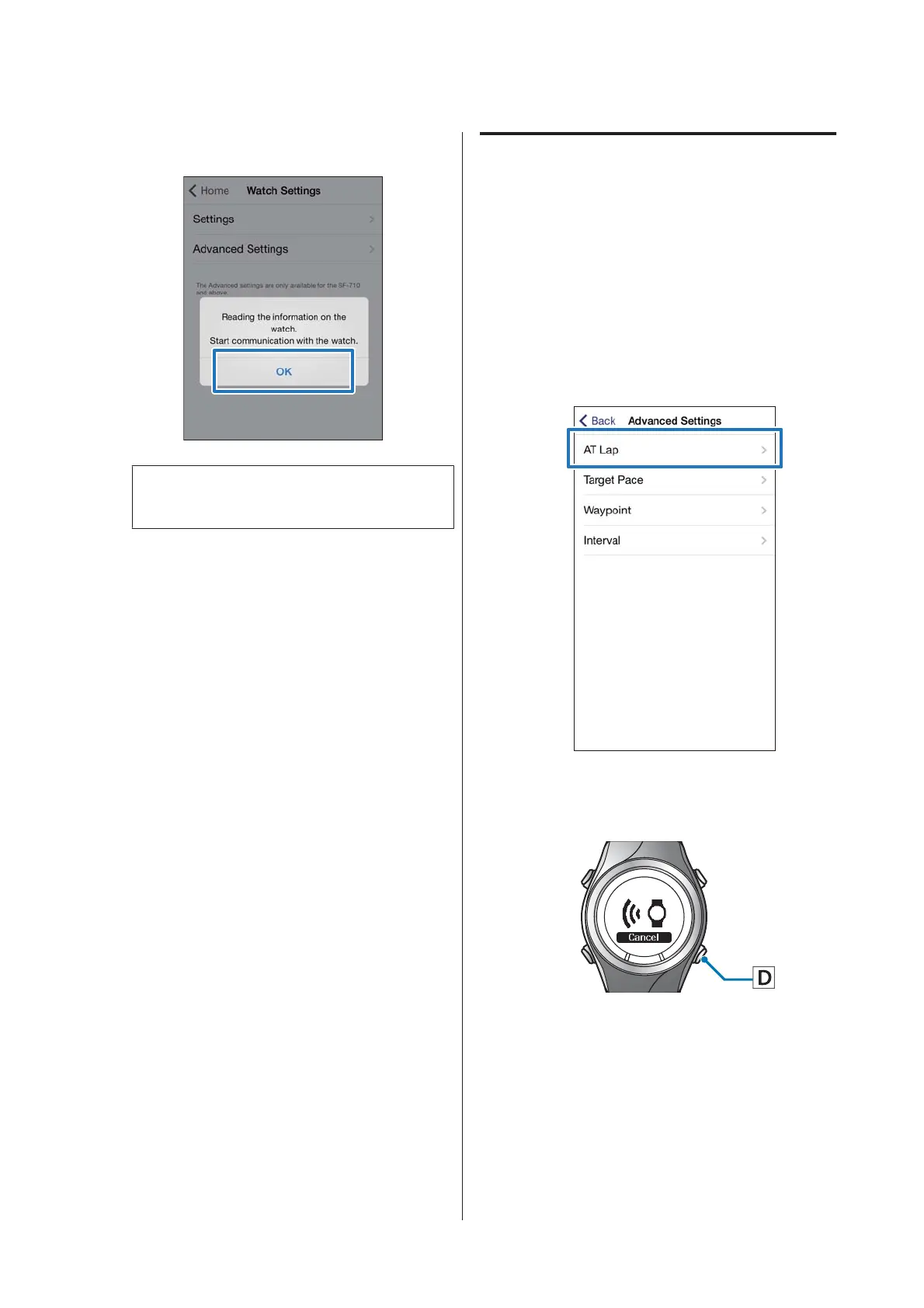
Tap OK on the iPhone.
Note:
Try again if the communication fails.
Continue the configuration as the following
procedures.
U “Setting the AT Lap Function” on page 30
U “Setting the Target Pace Function” on page 33
U “Setting the Waypoint Function” on page 37
U “Setting the Interval Function” on page 39
Setting the AT Lap Function
You can specify the time or distance to divide laps using
the AT Lap function.
A
Display the Run Connect Advanced
Settings screen.
U “Displaying the Advanced Settings” on
page 29
B
Tap AT Lap.
C
Hold down D on this product.
Bluetooth communication starts.
SF-310/510/710 Smartphone User's Guide
Changing the Settings
30



 To Next Page