Setting the Waypoint Function
You can add waypoints on the map.
A
Display the Run Connect Advanced
Settings screen.
U “Displaying the Advanced Settings” on
page 29
B
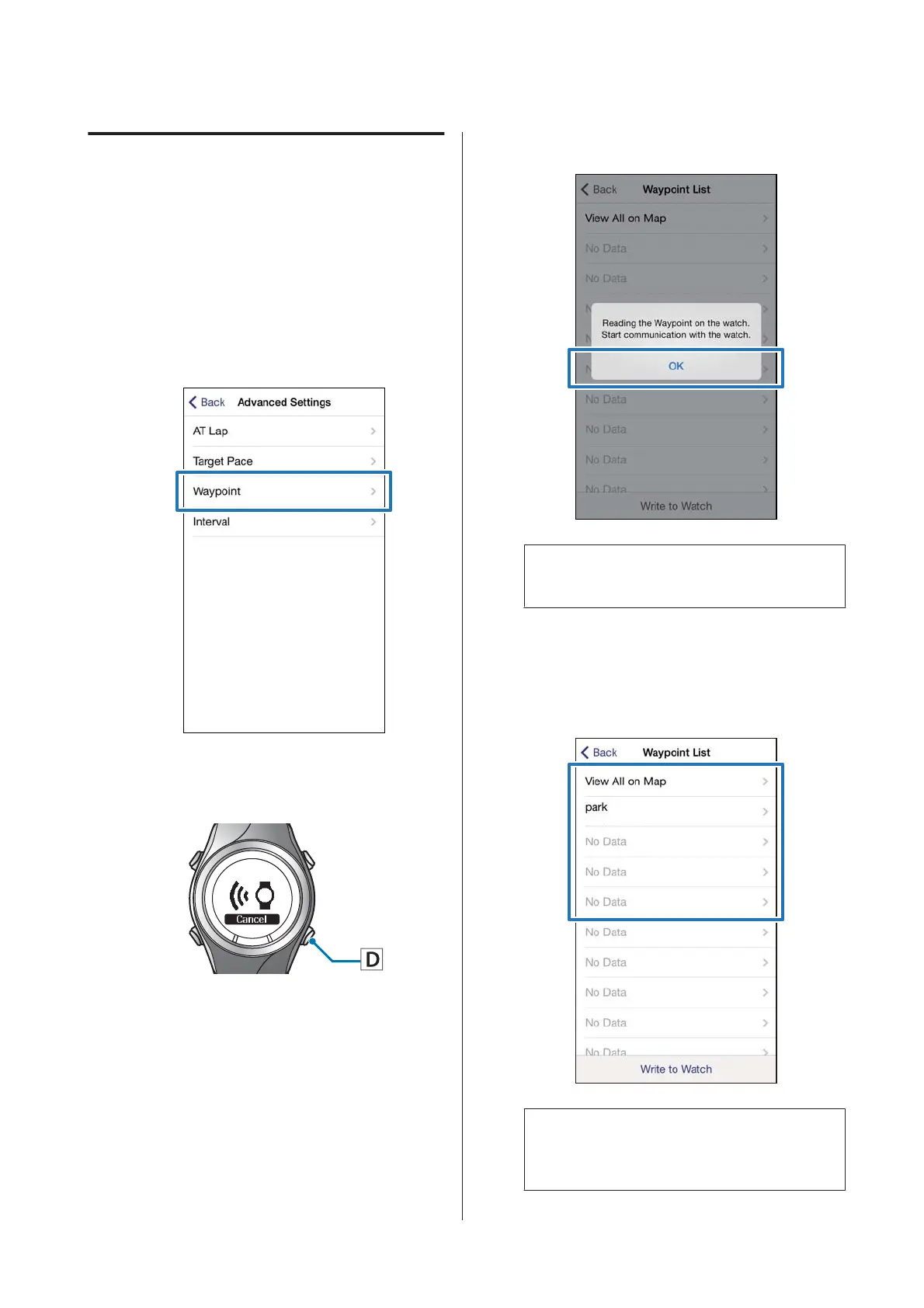
Tap Waypoint.
C
Hold down D on this product.
Bluetooth communication starts.
D
Tap OK on the iPhone.
Note:
Try again if the communication fails.
E
Tap No Data when you are adding a
new setting.
Tap the setting if you want to edit an
existing setting.
XXXXXXXXXX-XX
Note:
You can check all registered waypoints by tapping
View All on Map.
SF-310/510/710 Smartphone User's Guide
Changing the Settings
37



 To Next Page