Create and configure your
RUNSENSE View account
Creating an account
You need to create an account for the Web application
(RUNSENSE View.)
Note:
If you already have a RUNSENSE View account, you can
use it with this device.
U “Configuring the account” on page 9
A
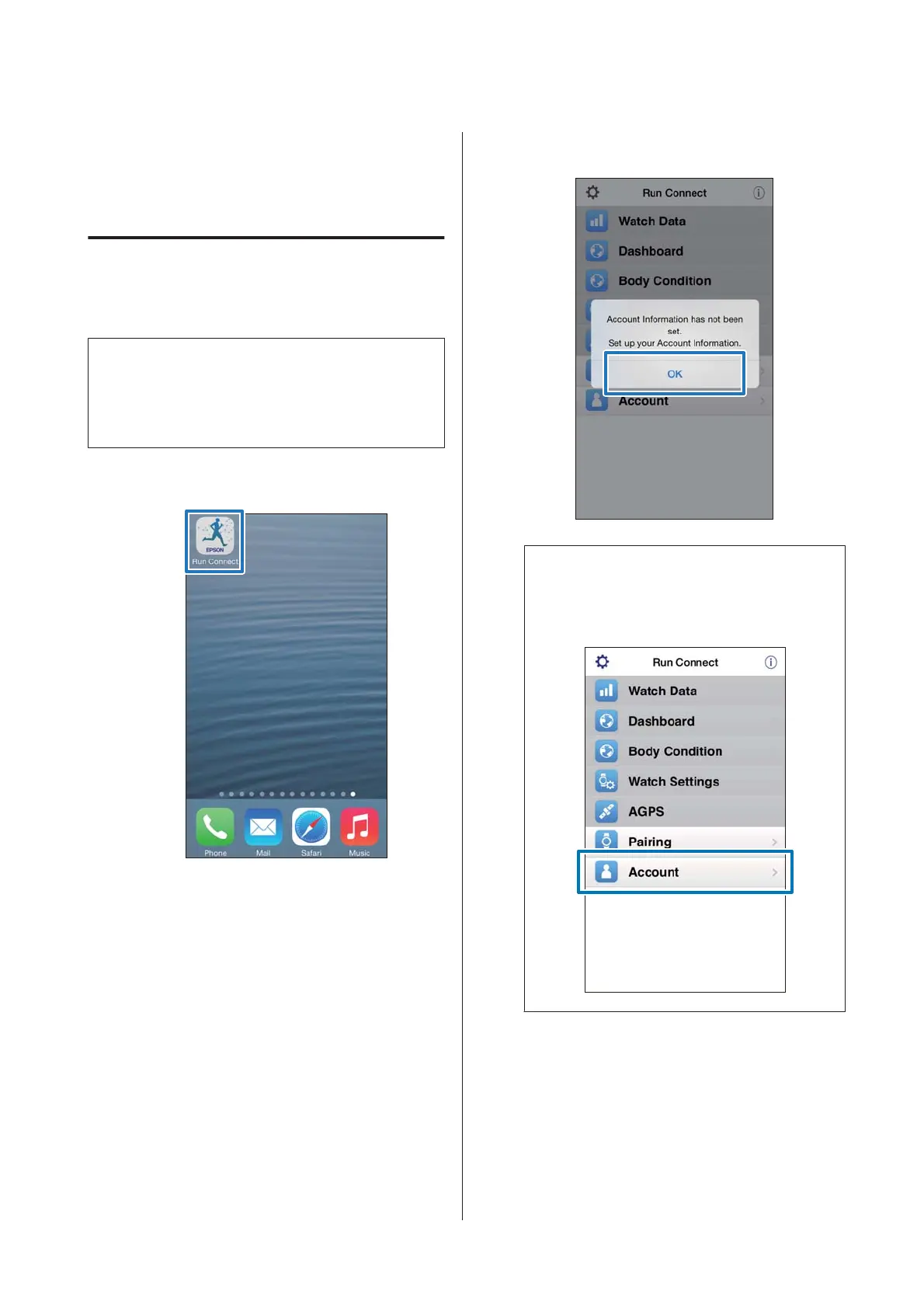
Start Run Connect on your iPhone.
B
Tap OK.
Note:
The following screen is displayed if you start Run
Connect the second time onwards. Tap Account
and proceed to step 3.
SF-310/510/710 Smartphone User's Guide
Preparation
7



 To Next Page