L
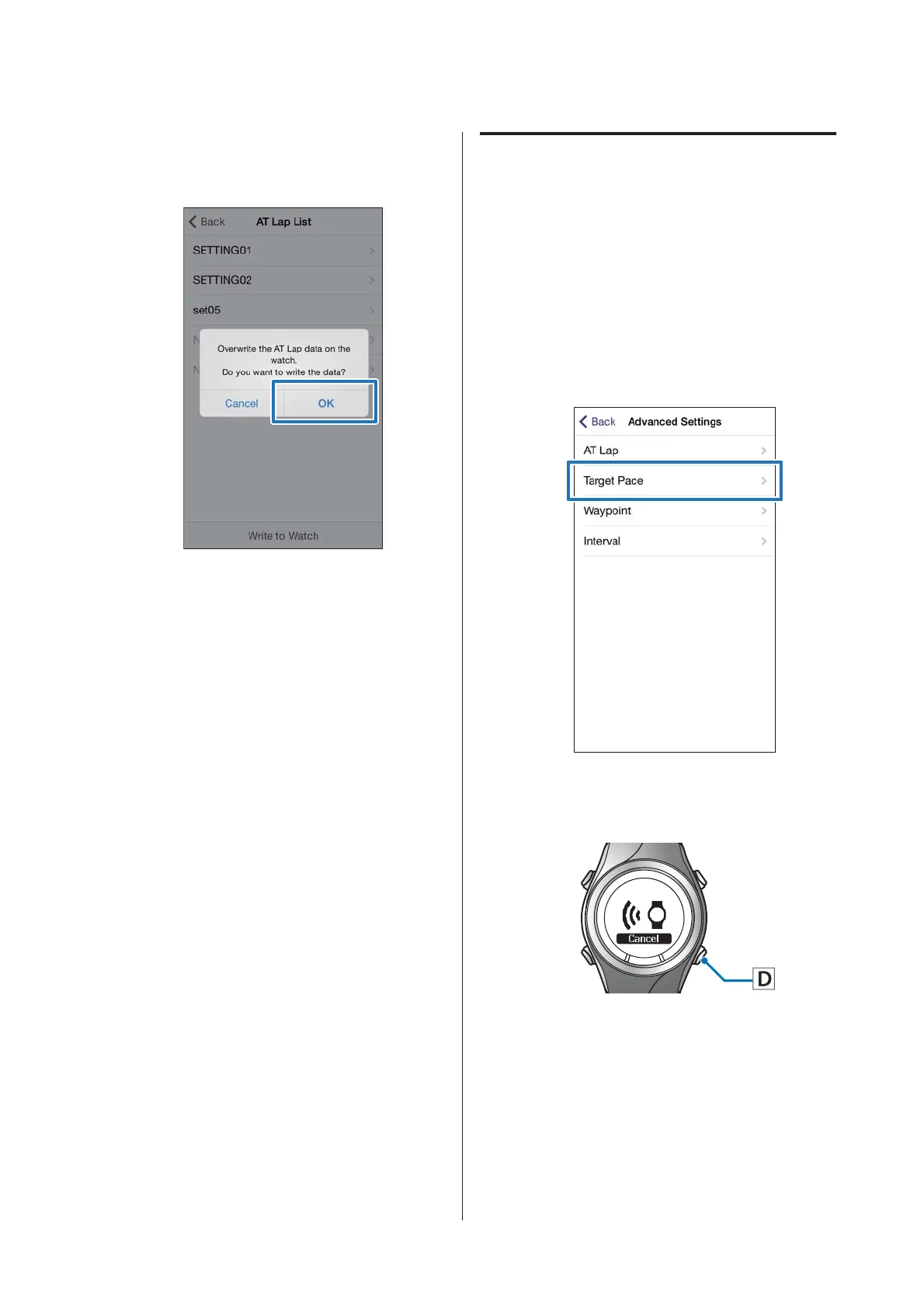
Tap OK.
Settings are written to the device.
M
Check that writing to the watch has
completed and tap OK.
Setting the Target Pace Function
You can specify the target pace and an alarm will notify
you when you fall outside the target pace window.
A
Display the Run Connect Advanced
Settings screen.
U “Displaying the Advanced Settings” on
page 29
B
Tap Target Pace.
C
Hold down D on this product.
Bluetooth communication starts.
SF-310/510/710 Smartphone User's Guide
Changing the Settings
33



 To Next Page