H
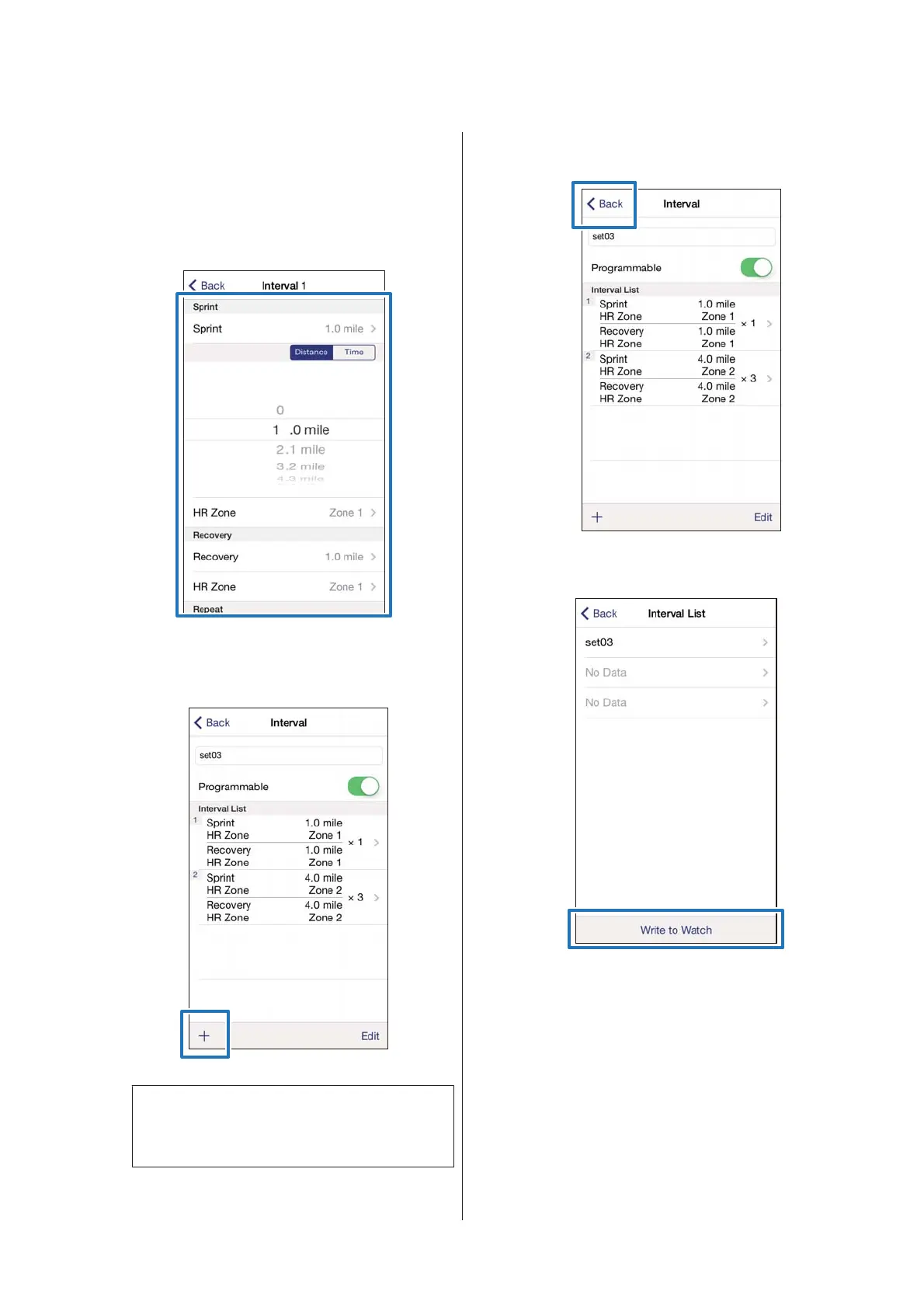
Tap the interval list you want to
update, specify the Sprint, Recovery,
and Repeat items, and tap Back.
Go to step 10 if you are not setting more than one
lap.
I
Tap + to add a new interval list, specify
the necessary items, and tap Back.
Note:
You can delete and reorder interval lists by tapping
Edit if you have more than one interval lists.
J
Tap Back.
K
Tap Write to Watch.
SF-310/510/710 Smartphone User's Guide
Changing the Settings
41



 To Next Page