Version 3.00 Feb. 2019
APPLICATION DEVELOPMENT GUIDE
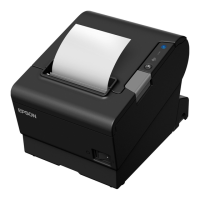
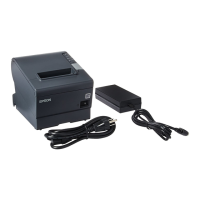
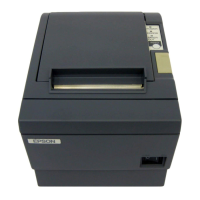
POSPrinter (TM-T88VI)
8
Section 3. Function Details
This section describes the functions of the TM-T88VI models printers in details.
Supplementary explanation of the parts not described in detail in the "UPOS" is also given
here.
3.1 Property Set Values and Default Values
The following explanation is about the property set values and the default values.
3.1.1 Capability Set Values
The following values are the Capability set values.
Capability Name Setting Value
CapTransaction TRUE
CapCoverSensor TRUE
CapConcurrentRecSlp FALSE
CapConcurrentJrnSlp FALSE
CapConcurrentJrnRec FALSE
CapConcurrentPageMode FALSE
CapCharacterSet PTR_CCS_UNICODE
*1
CapMapCharacterSet TRUE
*2
CapJrnUnderline FALSE
CapJrnNearEndSensor FALSE
CapJrnItalic FALSE
CapJrnEmptySensor FALSE
CapJrnDwideDhigh FALSE
CapJrnDwide FALSE
CapJrnDhigh FALSE
CapJrnColor 0
CapJrnCartridgeSensor 0
CapJrnBold FALSE
CapJrn2Color FALSE
CapJrnPresent FALSE
CapRecPageMode TRUE
CapRecUnderline TRUE
CapRecStamp FALSE
CapRecRotate180 TRUE
CapRecRight90 TRUE



 To Next Page
 Loading...