Product Basics
See these sections to learn about the basic features of your product.
Using the Control Panel
Product Parts Locations
Using Eco Mode and Other Power Saving Settings
Epson Connect Solutions for Smartphones, Tablets, and More
Using AirPrint
Using Google Cloud Print
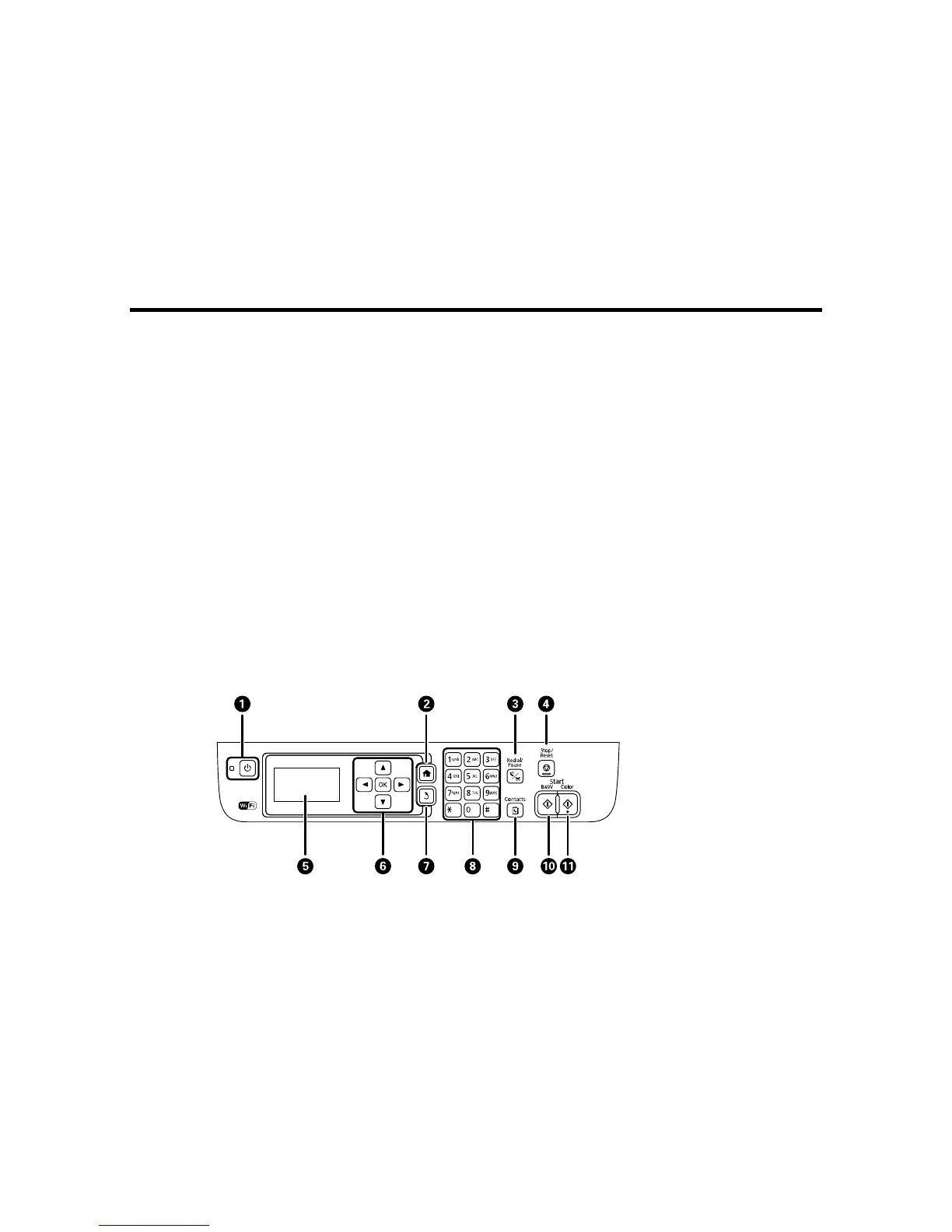
Using the Control Panel
See these sections to learn about the control panel and select control panel settings.
Control Panel Buttons and Lights
Entering Characters on the LCD Screen
Changing LCD Screen Language
Turning Off Control Panel Sounds
Adjusting the Screen Contrast
Parent topic: Product Basics
Control Panel Buttons and Lights
14















 To Next Page