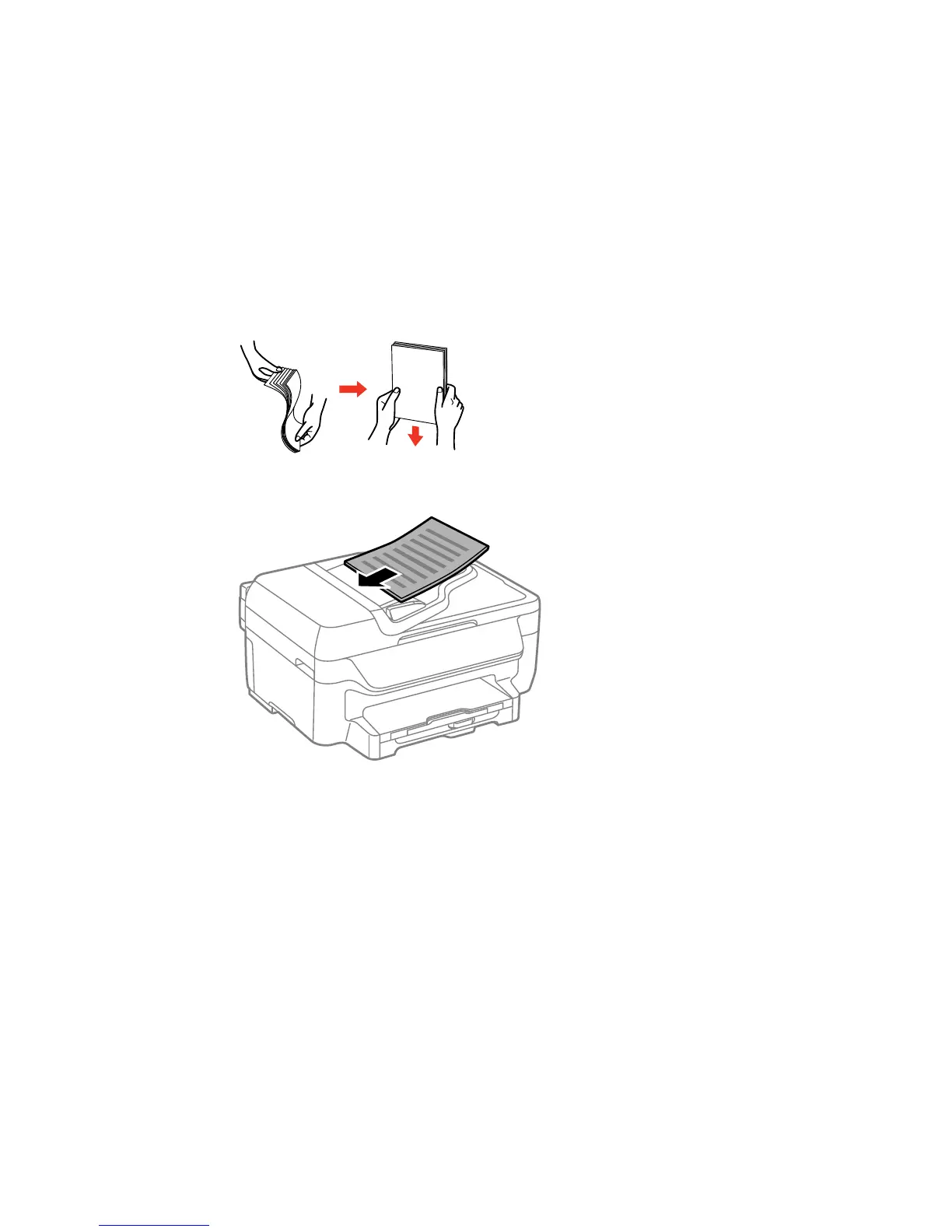
2. Fan your stack of originals and tap them gently on a flat surface to even the edges.
3. Insert the originals into the ADF faceup and top-edge first.
The ADF icon on the LCD screen appears.
4. Slide the ADF edge guide against the originals, but not too tightly.
Parent topic: Placing Originals on the Product
Related references
Automatic Document Feeder (ADF) Specifications
66















 To Next Page