3. Click Print.
For manual 2-sided printing, when the rst side has nished printing, a pop-up window is displayed on the
computer. Follow the on-screen instructions.
Related Information
& “Printing Basics” on page 40
& “Main Tab” on page 57
Printing Several Pages on One Sheet
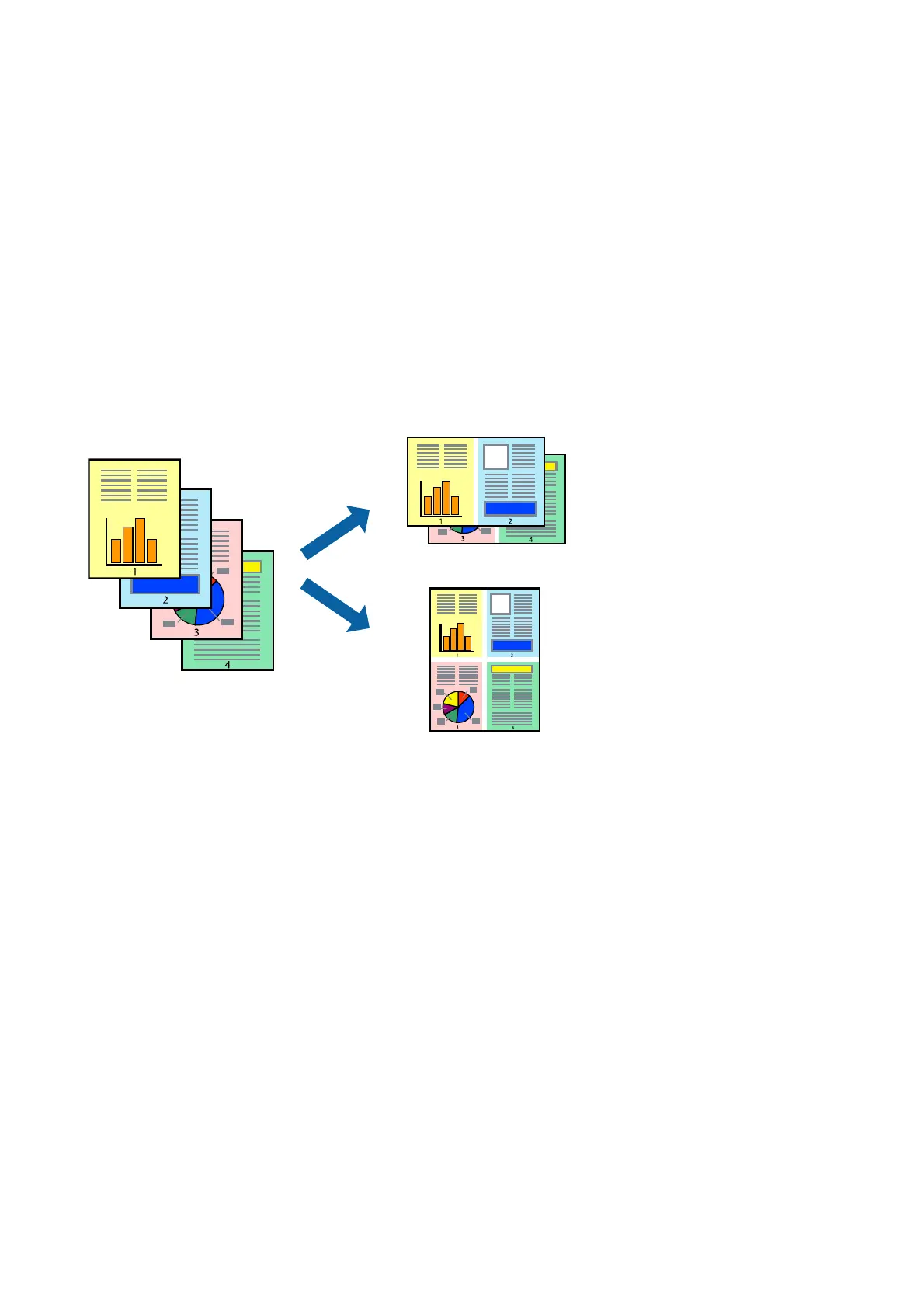
You can print two or four pages of data on a single sheet of paper.
Print Settings
On the printer driver's Main tab, select 2-Up or 4-Up as the Multi-Page setting.
Related Information
&
“Printing Basics” on page 40
& “Main Tab” on page 57
User's Guide
Printing
43














 To Next Page